
Best virtual staging software for real estate in 2026

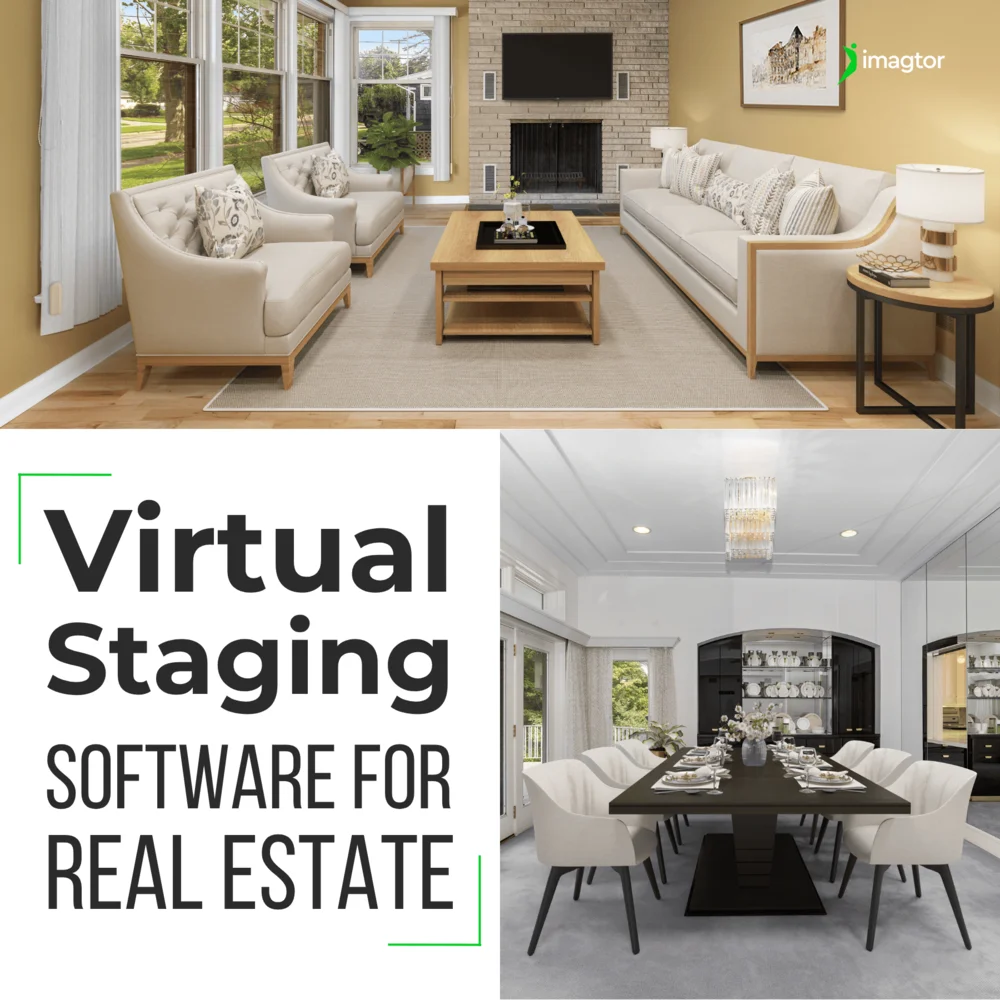
Virtual staging software has changed how photographers and agents handle vacant property listings. Instead of expensive physical staging, the right tool lets you add realistic furniture to empty rooms in minutes, at a fraction of the cost.
Picking the wrong one wastes time and money. This guide covers what to look for, which tools professionals are actually using, and when outsourcing the whole thing makes more sense.
Why virtual staging software matters in 2026
Physical staging costs $2,000 to $5,000 per property. Virtual staging runs $15 to $30 per image on average. That gap is hard to ignore.
According to NAR data, 48% of active real estate agents already use digital staging on some listings. Photographers who offer it as part of their service have a clear edge over those who don’t.
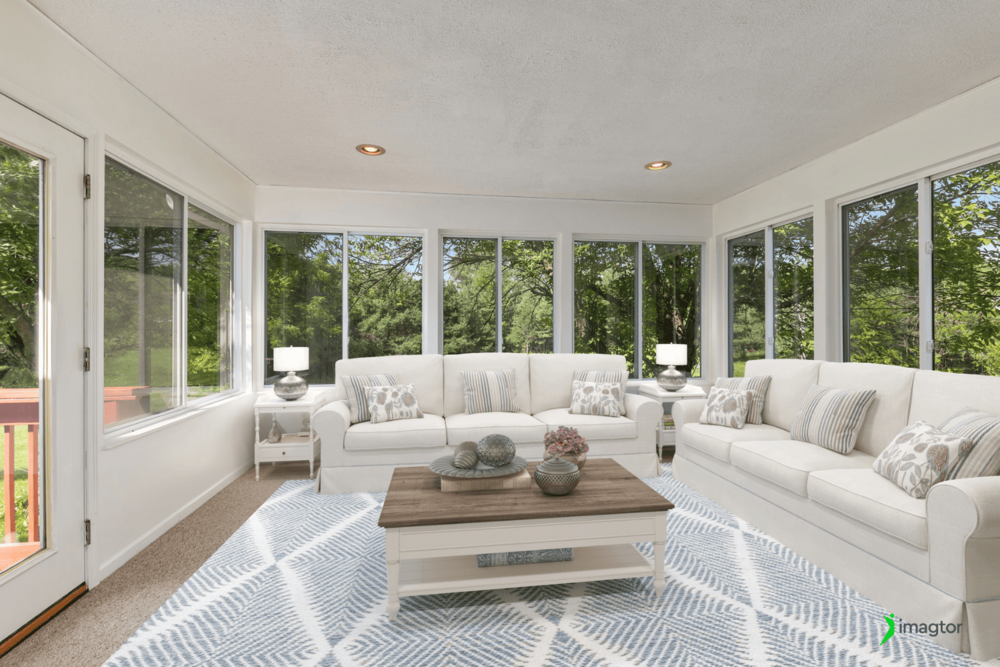
Quality varies a lot between tools though. Furniture that looks fake or lighting that doesn’t match the room does more damage to a listing than no staging at all.
What to look for in virtual staging software
Before jumping into specific tools, here is what actually separates good software from the rest:
- Realism. Furniture shadows, lighting direction, and material textures all need to match the original photo. Anything that looks off will be noticed.
- Style variety. Modern, traditional, Scandinavian, luxury, farmhouse. Different properties need different looks.
- Speed. AI tools now stage a room in under a minute. Manual services take hours or days.
- Pricing model. Pay-per-image suits low volume. Monthly subscriptions make more sense for high volume workflows.
- Ease of use. Some virtual staging software requires design experience. Others are built for photographers with no staging background.
- Integration. Does it fit into your existing photo editing workflow or does it require a completely separate process?
AI HomeDesign: best virtual staging software for high volume
AI HomeDesign is one of the fastest and most affordable AI virtual staging platforms in 2026, staging any room type in around 30 seconds across 8 style options. Pricing sits at $0.24 per image, which is significantly lower than most competitors. After using one credit to stage a photo, additional edits to the same image like item removal and day-to-dusk conversion are free.
Best for photographers and agents handling large volumes who need speed and a low cost per image. Free trial includes 3 credits on signup.
Virtual Staging AI: virtual staging software with decluttering built in
Virtual Staging AI runs on a credit-based subscription model ranging from $14 to $99 per month, with the popular Optimal plan sitting at $29. It handles decluttering and landscaping alongside standard staging.
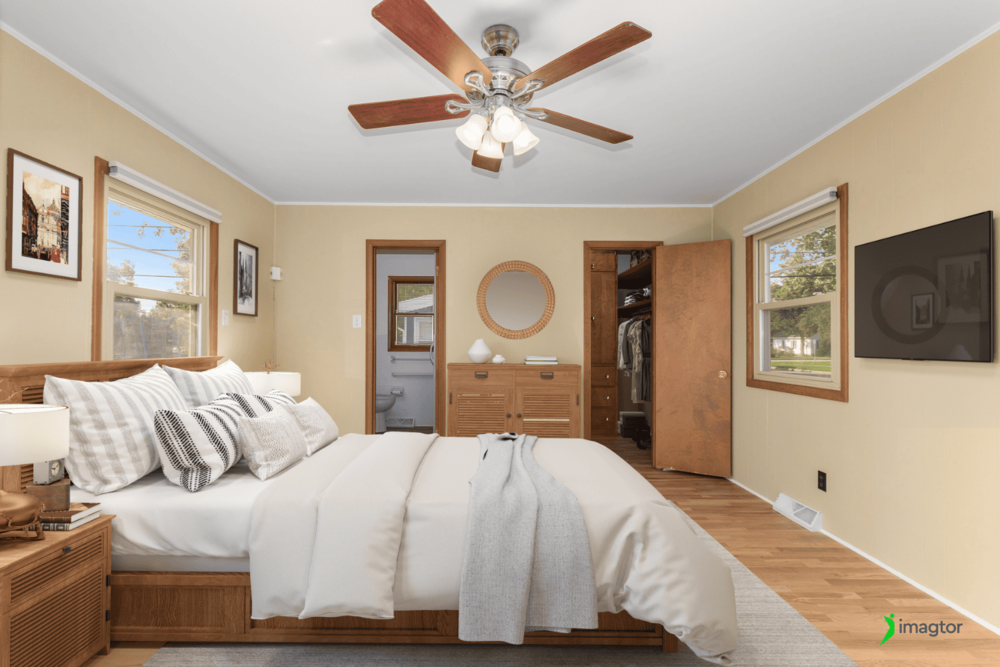
What makes it different from simpler AI tools is the added functionality. Photographers who want to remove furniture, clean up outdoor areas, and add new staging all in one platform will find this more flexible than a basic image generator. Three free designs available on signup.
Best for agents who need more than just furniture placement in empty rooms.
BoxBrownie: human-edited virtual staging for complex rooms
Not all virtual staging software relies on AI. BoxBrownie uses real digital artists who build and place every element by hand, which shows in complex rooms, unusual layouts, and luxury interiors where automated tools sometimes miss the mark.
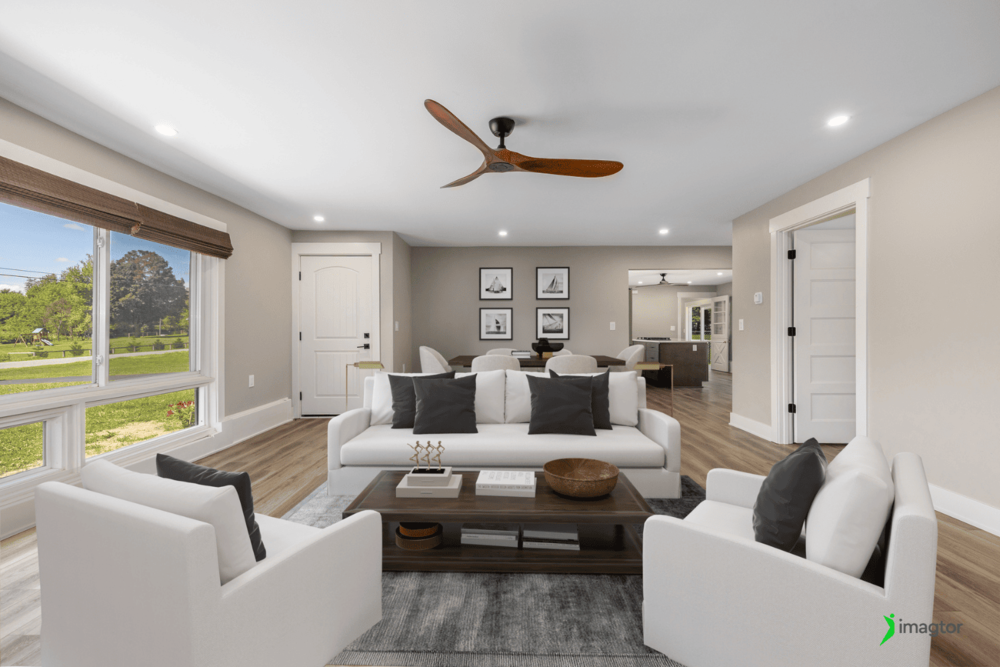
Pricing sits around $30 per image, higher than AI options but worth it when realism is non-negotiable.
Best for high-end listings where automated virtual staging software consistently falls short.
Stager AI: virtual staging software with renovation tools
Stager AI provides virtual staging as part of a broader suite of design tools, including virtual renovations, lawn and sky replacement, and digital wall painting.
For studios looking to offer more than basic furniture staging, this broader toolkit is genuinely useful. Virtual renovation and material changes are becoming a popular add-on service, especially for properties that need cosmetic updates before they can compete in the current market.
Best for studios expanding into full virtual renovation services beyond standard staging.
Comparing virtual staging options
| Tool | Speed | Price per image | Best for | Free trial |
|---|---|---|---|---|
| AI HomeDesign | 30 seconds | $0.24 | High volume, low cost | Yes, 3 credits |
| Virtual Staging AI | Minutes | $14 to $99/month | Decluttering and staging | Yes, 3 designs |
| BoxBrownie | Hours | ~$30 | Luxury, complex rooms | No |
| Stager AI | Minutes | Varies | Full virtual renovation | Yes |
Why base photo quality matters as much as the software
Virtual staging software is only as good as the base image it works from.
Dark rooms, blown-out windows, crooked verticals, and clutter all reduce how realistic staged furniture looks. Even the best AI tool cannot convincingly place a sofa into a photo where lighting is uneven or walls are leaning.
Professional editing before staging makes a real difference:
- Proper exposure and HDR blending give staging tools accurate light to work with
- Perspective correction makes furniture placement look natural
- Window pull editing keeps outdoor detail from competing with staged interiors
- Object removal before staging produces cleaner, more believable results
Photographers who send well-edited base photos to virtual staging software consistently get better output than those who stage first and fix problems after.
When outsourcing virtual staging makes more sense
Learning new software takes time before it saves any. Add subscription costs, the learning curve on realistic placement, and consistency challenges across a full gallery, and doing it in-house adds up fast.
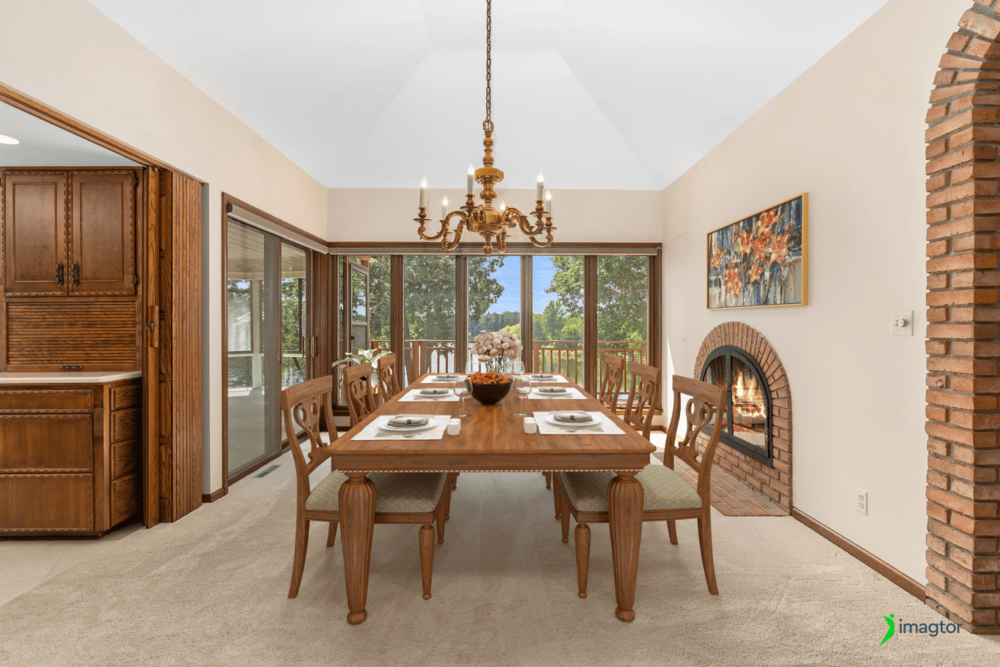
For photographers shooting several properties a week, outsourcing virtual staging and base photo editing together keeps turnaround fast and quality consistent without managing multiple tool subscriptions.
At Imagtor, we handle both base photo editing and virtual staging for real estate photographers and studios. Clean edits, realistic staging, fast turnaround on every property.
Choosing the right software for your workflow
Right tool really depends on what your workflow needs. High volume and tight margins point toward AI HomeDesign. Complex luxury rooms point toward BoxBrownie. Studios offering renovation services will get more out of Stager AI.
But whatever tool you choose, the base photo determines how good the final staged image actually looks. Virtual staging software enhances a well-edited photo. It does not rescue a poorly shot one.
>> Read more: The Ultimate Guide to Virtual Staging Styles That Sell Homes
Spend less time staging and more time shooting. Imagtor helps real estate photographers deliver realistic virtual staging and professional photo editing with fast turnaround and consistent quality.
Start today with a FREE TRIAL and get a 10% BULK DISCOUNT on your first order.

Real estate photo disclosure is no longer something photographers can ignore. California’s AB 723 took effect January 1, 2026, making it the first law in the US requiring agents and photographers to disclose when listing images have been digitally altered. More states are moving in the same direction, and the rules are changing how edited …

Real estate photo editing pricing varies more than most photographers expect. Knowing what different services actually cost in 2026, and what drives those costs up or down, helps you make smarter decisions about your editing workflow and whether outsourcing makes financial sense. This guide breaks down current pricing by service type, explains what you actually …