
Affordable Editing Software for Real Estate Photo Enhancement

Editing software plays a central role in real estate photo enhancement, helping photographers correct lighting, balance colors, and present properties clearly and accurately. Many photographers begin with affordable tools to manage basic edits before moving to advanced workflows or professional services. This guide reviews cost-effective editing software for real estate photo editing, highlighting pricing, strengths, limitations, and practical use tips.
What to Look for in Editing Software for Real Estate Photos
Not all editing software is suitable for real estate photography. Property images demand accuracy, consistency, and realism, not heavy artistic effects.
When evaluating editing software, photographers should focus on:
- Exposure and white balance control
- Perspective and vertical line correction
- Batch processing for faster workflows
- Preset support for consistent enhancement
- Pricing models that fit long-term use
Affordable does not mean limited, but it does mean understanding where each tool performs best.
Adobe Lightroom
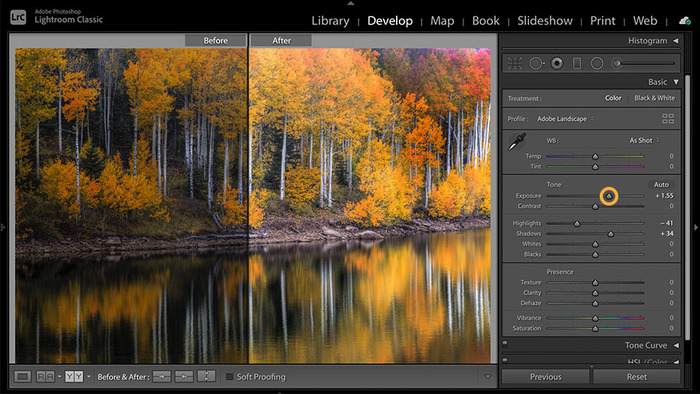
Adobe Lightroom is one of the most established editing software options for real estate photo editing, especially for photographers who manage high volumes of images. It is designed around speed, consistency, and non-destructive editing, which makes it well suited for property photography workflows.
Lightroom allows photographers to adjust exposure, highlights, shadows, and white balance with precision while keeping images natural. Its catalog system helps organize thousands of listing photos efficiently, which is valuable for photographers working with multiple clients or agencies. Presets are another major strength, since they allow consistent enhancement across entire property shoots.
Price
- Subscription-based, typically bundled with Photoshop at a monthly cost
Pros
- Excellent batch editing and preset management
- Strong exposure and color correction tools
- Easy to learn and widely supported with tutorials
Cons
- Ongoing subscription cost
- Limited advanced retouching compared to Photoshop
Tips for real estate use
- Create separate presets for interiors, exteriors, and twilight shots
- Use vertical correction carefully to avoid stretched edges
Lightroom is ideal for photographers who prioritize speed, consistency, and scalability in real estate photo editing.
Luminar Neo
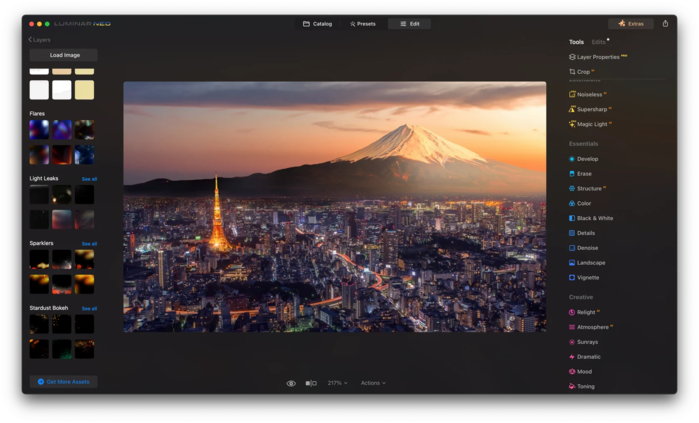
Luminar Neo is an AI-driven editing software designed to simplify photo enhancement for users who prefer minimal technical setup. Its interface is clean and approachable, making it popular among photographers who want faster edits without deep manual adjustments.
The software uses AI tools to enhance lighting, improve contrast, and balance colors automatically. For real estate photos, this can significantly reduce editing time, especially for straightforward interiors. However, AI tools should be used carefully, since aggressive automation can sometimes produce unrealistic results.
Price
- Available as a one-time purchase or subscription
Pros
- Beginner-friendly interface
- AI tools speed up basic real estate photo enhancement
- Minimal setup and learning time
Cons
- Limited precision for complex interiors
- AI adjustments can look unnatural if overused
Tips for real estate use
- Use AI enhancements lightly as a starting point
- Manually refine brightness and white balance afterward
Luminar Neo works best for photographers handling simpler properties or those transitioning into editing software for the first time.
Capture One Express
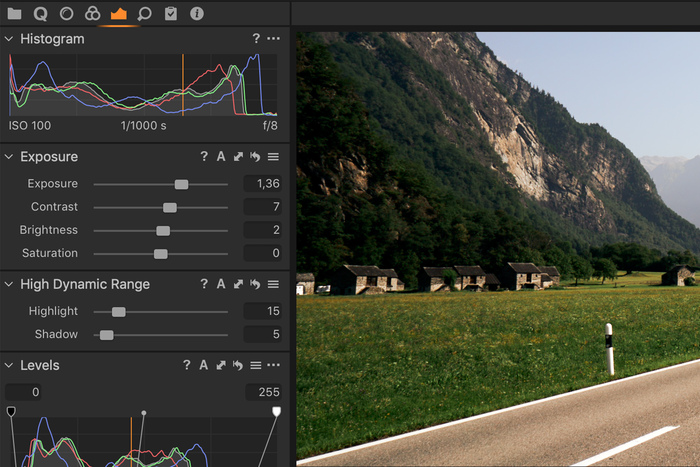
Capture One Express is a free or lower-cost version of Capture One, a professional-grade editing software known for exceptional color accuracy. While it offers fewer features than the paid Pro version, it still delivers high-quality image processing suitable for real estate photography.
This software excels at handling color tones, which is particularly helpful when dealing with mixed indoor lighting. Although the interface may feel less intuitive at first, photographers who invest time in learning it often appreciate the level of control it offers.
Price
- Free Express version, with optional paid upgrades
Pros
- Excellent color handling and image quality
- Clean, professional editing environment
- Strong base for accurate property photography lighting correction
Cons
- Steeper learning curve
- Limited automation and batch tools in the free version
Tips for real estate use
- Focus on color balance and exposure tools
- Pair with presets to speed up repetitive edits
Capture One Express suits photographers who value image quality and color accuracy over automation.
ON1 Photo RAW
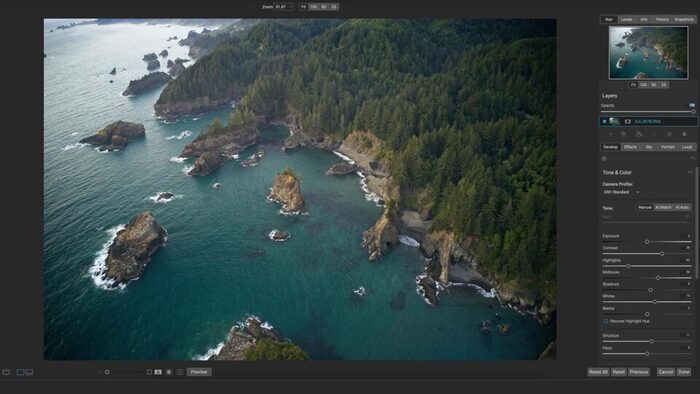
ON1 Photo RAW is an all-in-one editing software that combines photo management, editing, and effects in a single platform. It is popular among photographers who prefer a one-time purchase instead of subscriptions.
For real estate photo editing, ON1 offers strong preset support, masking tools, and perspective correction. It allows photographers to manage entire shoots from import to export without switching software. However, the interface can feel crowded, especially for new users.
Price
- One-time purchase with optional paid updates
Pros
- No subscription required
- Integrated workflow from editing to export
- Powerful masking and enhancement tools
Cons
- Heavier system requirements
- Interface can be overwhelming at first
Tips for real estate use
- Rely on presets for consistency
- Avoid excessive effects that reduce realism
ON1 Photo RAW is a good choice for photographers who want full control and ownership of their editing software.
DxO PhotoLab
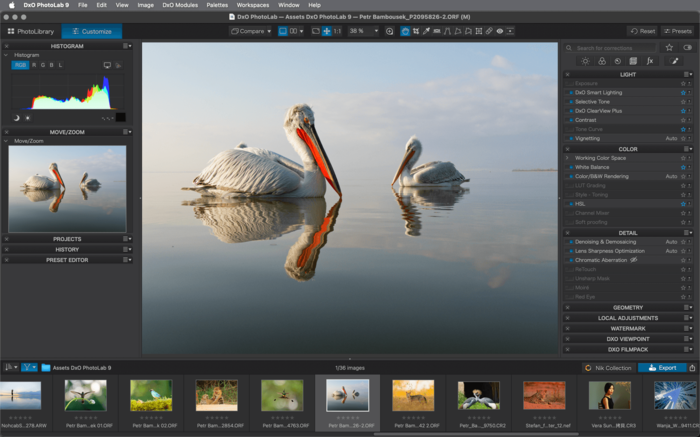
DxO PhotoLab focuses on technical image quality rather than creative effects. It is well known for its optical corrections and noise reduction, which are particularly useful for real estate photos shot in challenging lighting conditions.
The software automatically applies lens-specific corrections that improve sharpness and reduce distortion. While its interface is more technical, DxO PhotoLab delivers very clean results when used correctly.
Price
- One-time purchase with tiered versions
Pros
- Industry-leading noise reduction
- Excellent lens and optical corrections
- Clean and natural image output
Cons
- Less intuitive interface
- Limited creative and layout tools
Tips for real estate use
- Apply optical corrections early in the workflow
- Use it alongside another tool for final presentation
DxO PhotoLab is ideal for photographers who prioritize technical accuracy in real estate photo enhancement.
Affinity Photo
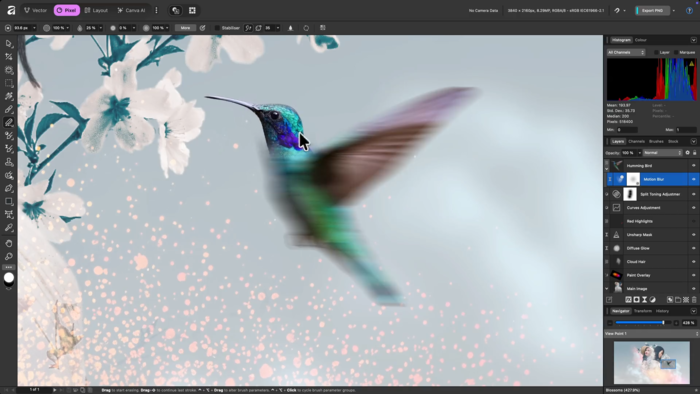
Affinity Photo is a powerful editing software that offers advanced retouching capabilities at a very low cost. It is often compared to Photoshop but without a subscription model.
For real estate photography, Affinity Photo excels in detailed corrections such as removing distractions, fixing perspective issues, and refining lighting manually. However, it does not include a catalog system, so it works best as a secondary tool rather than a full workflow solution.
Price
- One-time purchase, very affordable
Pros
- Advanced editing and retouching tools
- No subscription fees
- High level of manual control
Cons
- No built-in photo management system
- Steeper learning curve for beginners
Tips for real estate use
- Use for detailed retouching rather than batch edits
- Combine with Lightroom or similar software for efficiency
Affinity Photo is best suited for photographers who want precise control without ongoing costs.
Quick Comparison of Affordable Editing Software
- Lightroom: Best for batch editing and consistency, subscription-based
- Luminar Neo: Best for quick enhancements, AI-assisted
- Capture One Express: Best for color accuracy, limited automation
- ON1 Photo RAW: Best all-in-one solution, one-time purchase
- DxO PhotoLab: Best for technical corrections
- Affinity Photo: Best low-cost advanced retouching
Each editing software option serves a different role in real estate photo enhancement workflows.
Tips for Using Editing Software Effectively
Even the best editing software cannot compensate for poor technique or over-editing. To get the most value from affordable tools:
- Focus on natural-looking adjustments
- Use presets to save time
- Keep colors realistic and consistent
- Avoid extreme contrast or saturation
Real estate photo editing should enhance reality, not alter it.
Editing Software Is a Tool, Not a Replacement for Skill
Editing software is only as effective as the person using it. While affordable tools help photographers manage basic enhancements, professional-quality results still depend on experience, judgment, and attention to detail.
This is why many photographers eventually choose to outsource real estate photo editing. Professional editors understand how to balance light, color, and perspective across entire listings, something software alone cannot guarantee.
Imagtor combines skilled human editors with structured workflows to deliver consistent, realistic enhancements at scale. Instead of spending hours behind a screen, photographers can focus on shooting and growing their business while Imagtor handles the editing professionally.
Editing software helps, but professional results come from skilled editors. Imagtor delivers consistent, high-quality real estate photo enhancement through expert manual editing and reliable workflows. Start today with a FREE TRIAL + 10% DISCOUNT and see the difference professional editing makes.
Professional photo editing software is basically the backbone of every photographer’s post-production work. Knowing what tools others are actually using, and why they stick with them, helps you make better decisions for your own setup without going through the trial-and-error yourself. Why your choice of photo editing software matters It is not just about features. …
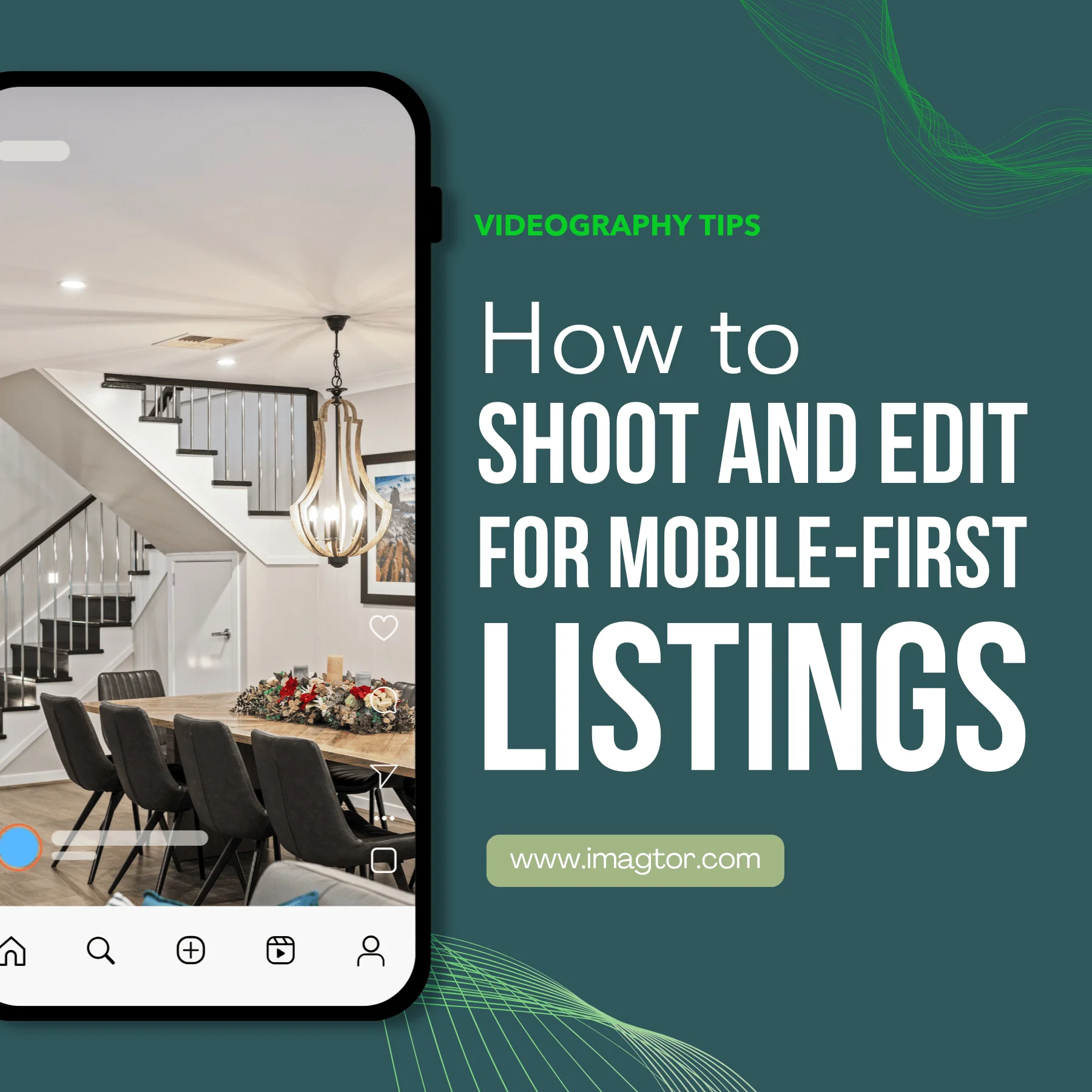
Real estate video editing for Reels and Shorts follows different rules from a standard listing walkthrough. Pacing, format, and visual clarity all need to match how people actually watch on mobile. This guide covers what makes short-form property videos work on Instagram, YouTube, Tiktok and Facebook. Why Reels and Shorts work differently from listing videos …