
How to Do Real Estate Photography With an iPhone

Real estate photography with iPhone has become a practical option for photographers who want speed, flexibility, and lower upfront costs. While an iPhone cannot fully replace professional cameras, it can still deliver clean, usable images when used correctly. With the right preparation, shooting techniques, and editing support, an iPhone can help photographers handle entry-level listings, rentals, and fast-turnaround projects with confidence.
When Real Estate Photography With an iPhone Makes Sense
Using an iPhone for real estate work depends heavily on the type of property and client expectations. In some situations, it is a reasonable and efficient choice.
Real estate photography on iPhone works well for:
- Rental listings and apartments
- Entry-level residential properties
- Short-term rental platforms like Airbnb
- Social media marketing and listing previews
- Photographers building early-stage portfolios
However, for luxury listings or architectural-focused projects, professional camera systems still deliver better consistency and control.
Choosing the Right iPhone for Real Estate Photography
Not all iPhones perform the same when it comes to property photography. Newer models provide meaningful improvements that matter in real estate work.
Key features to prioritize include:
- Ultra-wide lens, useful for tight interior spaces
- Improved HDR, helping balance bright windows and shadows
- Sensor stabilization, reducing blur in low light
- High storage capacity, especially when shooting in Pro formats
While flagship models perform best, older versions can still work for basic real estate photography with iPhone when lighting conditions are controlled.
Essential Camera Settings on iPhone
Before shooting, it is important to adjust a few core settings to maintain consistency across images.

Recommended settings include:
- Enable HDR, but review results to avoid unnatural contrast
- Lock exposure and focus to prevent brightness shifts
- Turn on grid lines to align walls and verticals
- Avoid digital zoom, since it reduces image quality
These small adjustments significantly improve real estate photography on iPhone without adding complexity.
Composition Tips for Real Estate Photography on iPhone
Composition plays a larger role when using a mobile camera, because lens distortion and framing errors are harder to fix later.
Strong composition habits include:
- Shooting at chest height to maintain natural perspective
- Keeping walls and door frames straight
- Centering key features like kitchen islands or fireplaces
- Avoiding extreme corner angles
These principles help real estate photography with iPhone look more professional and trustworthy to buyers.
Lighting Tips for iPhone Photography
Lighting can either elevate or limit mobile photography results. Since iPhones rely heavily on computational processing, lighting control is essential.
Best practices include:
- Shoot during bright daytime hours
- Turn off unnecessary interior lights to avoid color casts
- Use curtains or blinds to soften harsh sunlight
- Avoid mixed lighting temperatures when possible
Good lighting reduces noise and makes editing more effective later.
Shooting Techniques That Improve Real Estate Photography With iPhone
Advanced shooting techniques help overcome mobile camera limitations, especially in interior spaces.
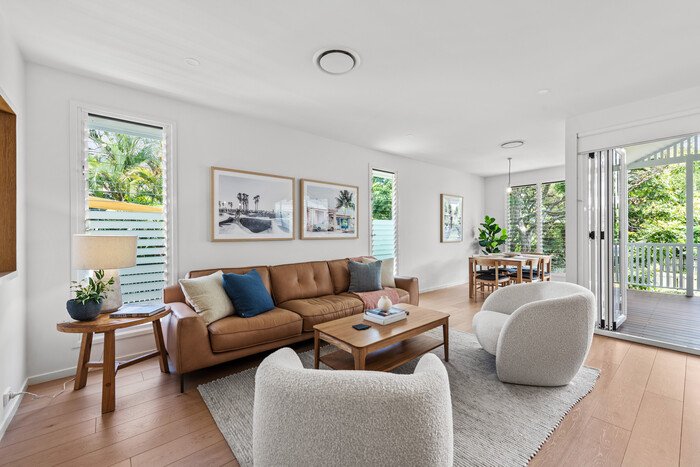
Useful techniques include:
- Using a tripod or stabilizer for sharper images
- Taking multiple exposures manually with camera apps
- Shooting more frames to increase selection options
- Reviewing images on a larger screen before delivery
These habits improve reliability in photography on iPhone projects.
Apps and Tools That Support iPhone Real Estate Photography
Software plays a major role in extending what an iPhone can do. However, simplicity matters for less technical users.
Common tools by use case:
Camera control
- Halide, offers manual exposure and focus
- ProCamera, supports bracketing and RAW capture
Basic editing
- Lightroom Mobile, balanced color and exposure
- Snapseed, simple adjustments and perspective correction
Stability and accessories
- Mobile tripods, improve sharpness
- Clip-on lenses, expand framing options
These tools support real estate photography with iPhone while keeping workflows manageable.
Editing Real Estate Photography Shot on iPhone
Editing is where mobile photos gain polish, but it also introduces risk when overused.
Effective editing focuses on:
- Correcting exposure and white balance
- Straightening vertical lines
- Maintaining natural color tones
While AI editing apps offer quick fixes, they often struggle with property images. Automated edits can distort colors, flatten interiors, and misinterpret lighting conditions, which reduces listing credibility for professional photographers.
Why AI Editing Falls Short for Professional Use
AI tools work best for casual photos, but real estate demands consistency and accuracy.
AI editing limitations include:
- Inconsistent results across rooms
- Poor handling of windows and highlights
- Over-smoothing textures and surfaces
Because of these issues, many photographers turn to manual editing or professional outsourcing instead.
When to Outsource Editing for iPhone Real Estate Photos
Outsourcing editing is a practical step once photographers begin handling higher volumes or tighter deadlines.
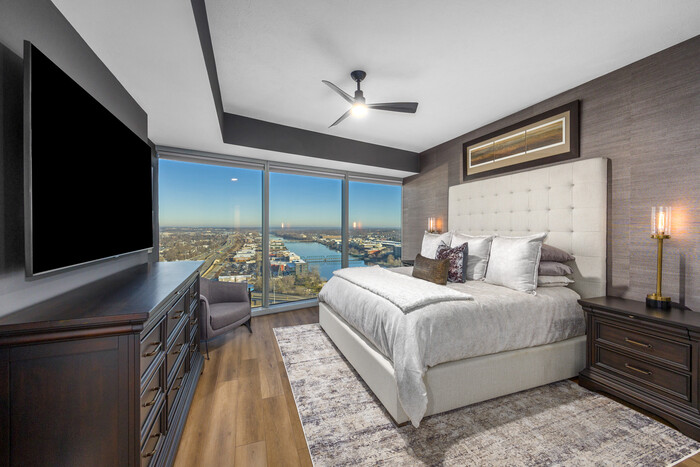
Photographers outsource editing to:
- Maintain consistent quality across listings
- Save time during busy seasons
- Focus more on shooting and client communication
Many professionals choose Vietnam-based editing services due to experienced editors, efficient workflows, and strong quality control. Imagtor applies this expertise specifically to real estate photography, ensuring iPhone-shot images receive careful manual adjustments rather than automated corrections.
Making iPhone Real Estate Photography Work for Your Business
Real estate photography with iPhone works best when paired with clear positioning and professional support.
To build trust with clients:
- Be transparent about shooting methods
- Match editing quality to listing expectations
- Combine mobile shooting with expert post-processing
When used strategically, iPhone photography can complement a photographer’s service offerings without compromising professionalism.
If you shoot properties using an iPhone and want consistent, professional results, Imagtor helps transform mobile photos through careful manual editing and proven workflows. Start today with a FREE TRIAL + 10% DISCOUNT and see how expert editing can elevate your real estate photography.
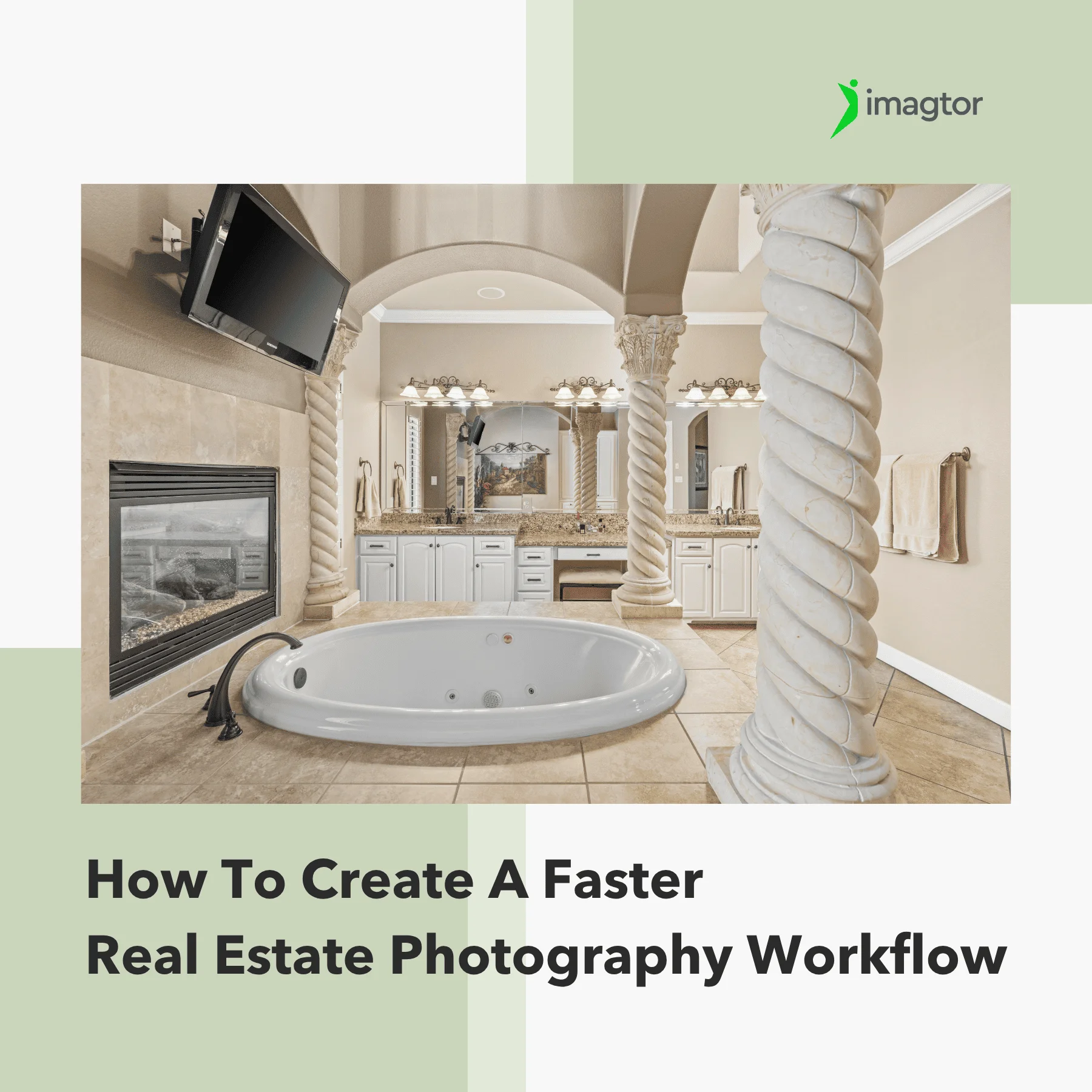
Slow photography workflow does not always come from editing. Time gets lost before the shoot, during file organization, and at delivery too. Fixing each of those stages is what actually moves the needle. Where your photography workflow is losing time Before fixing your photography workflow, find out where the time is actually going. Most photographers …

New Zillow data shows that character-rich homes are pulling significantly more buyer attention online. Listings with exposed beams see a 20% daily boost in engagement on Zillow. For real estate photographers, that is worth paying attention to. If these details drive more clicks and saves, they need to show up properly in the listing photos. …