

AI photo to video is becoming a practical tool in real estate marketing, helping photographers and agents turn static images into engaging video content. While it does not replace traditional videography, it offers a fast way to create additional marketing assets from existing property photos.
What Is AI photo to video and Why It Matters
AI photo to video refers to technology that converts still images into short video clips using automated motion, transitions, and visual effects. Instead of manually editing video footage, users can upload property photos and generate a video within minutes.
This approach is gaining traction because video content is now a key part of real estate marketing. Listings with video tend to attract more attention, especially on social media and property platforms.
Key advantages include:
- Faster content creation compared to traditional video
- Lower production cost
- Ability to scale content across multiple listings
However, the effectiveness of AI photo to video depends heavily on the quality of the input images. This is where professional photography and editing remain essential.
>> Read more: Real Estate Photography in the Age of AI
Popular AI photo to video Tools
Several tools currently support AI photo to video workflows. Each offers different strengths depending on your needs and level of control.
Veo AI
- Advanced AI video generation with more realistic motion
- Designed for higher-quality, cinematic output
- Strong potential for real estate use, though still evolving
- Best for users looking for more natural transitions and movement
Runway
- Powerful AI video generation platform
- Offers flexible control over motion and effects
- Suitable for more advanced workflows
Pika
- Simple and fast interface
- Ideal for short-form content and quick turnaround
- Good for social media use
Kaiber
- Focus on stylized and creative visuals
- Useful for promotional content
- Less suitable for realistic property presentation
Luma AI
- Emphasizes realism and spatial consistency
- Produces more stable results for interior scenes
- Better suited for property-related visuals
In general, AI photo to video tools are still developing. Results can vary, so choosing the right tool depends on whether you prioritize speed, realism, or creative flexibility.
Use Cases of AI photo to video in Real Estate
In practice, AI photo to video is best used as a supporting tool rather than a replacement for traditional video.
Common use cases include:
- Creating short listing videos from photo sets
- Producing social media content for platforms like Instagram and TikTok
- Generating quick promotional clips for agents
- Enhancing property listings with additional visual formats
This approach works especially well for:
- Mid-range listings
- High-volume property marketing
- Fast turnaround projects
For high-end or luxury properties, traditional videography still delivers more control and realism.
Integrating AI photo to video into Your Workflow
To use AI photo to video effectively, it must be integrated into a structured workflow. Simply uploading raw images often leads to inconsistent results.
A professional workflow typically follows these steps:
1. Capture High-Quality Property Photos
The process begins with strong photography. Proper exposure, composition, and camera positioning are essential.
Poorly captured images will limit the effectiveness of any AI tool.
2. Apply Professional Photo Editing
This is the most critical step. AI works best when your photos are already professionally edited.
Before using any AI photo to video tool, images should be:
- Exposure balanced
- Color corrected
- Perspective aligned
- Free of distractions
Professional real estate photo editing ensures that every image is clean and consistent. This directly improves the quality of the generated video.
3. Upload Images to AI Tools
Once images are properly prepared, they can be uploaded into your chosen AI platform.
At this stage, the tool will:
- Add motion effects
- Create transitions between scenes
- Generate a video sequence
Because the images are already refined, the AI output will appear smoother and more professional.
4. Generate and Review Video Output
After generation, it is important to review the output carefully.
Check for:
- Natural transitions
- Consistent lighting between scenes
- Proper flow from room to room
AI-generated videos often require selection and refinement. Not every output will meet professional standards.
5. Publish and Distribute Content
The final video can be used across:
- Property listing platforms
- Social media channels
- Marketing campaigns
With this workflow, AI photo to video becomes a scalable tool for producing additional content without increasing production time significantly.
Limitations of AI photo to video
While AI photo to video offers clear benefits, it also has limitations that professionals should understand.
Common challenges include:
- Unrealistic or artificial motion
- Limited control over camera paths
- Inconsistent quality across scenes
- Difficulty handling complex lighting
- Not suitable for premium listings
These limitations reinforce an important point: AI is a support tool, not a replacement for professional photography or videography.
Why Image Quality Matters Before Using AI
The success of any photo to video project depends on the quality of the original images.
AI tools do not improve poor images. Instead, they amplify existing qualities.
This means:
- Well-edited images produce better video results
- Poor images lead to weak and inconsistent output
Key elements that affect results include:
- Balanced exposure
- Accurate color tones
- Straight vertical lines
- Clean and clutter-free scenes
Without these elements, even the most advanced AI tool will struggle to produce professional results.
Enhancing AI photo to video Results with Professional Editing
To get the most out of AI photo to video, manual enhancement and quality control remain essential.
Professional editing improves:
- Lighting consistency across scenes
- Color harmony between rooms
- Clarity and detail in textures
- Overall visual balance
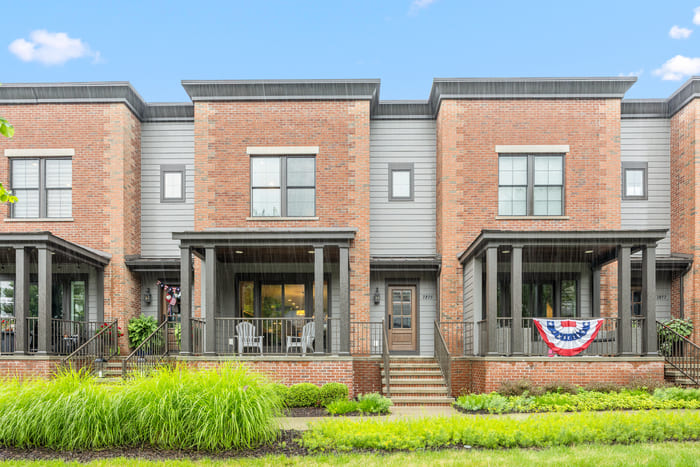
This creates a strong foundation for AI tools to build on.
More importantly, manual editing ensures that the final output remains realistic. AI-generated motion can sometimes introduce unnatural effects, but well-edited images reduce this risk.
In real estate marketing, credibility matters. Buyers expect accurate and trustworthy visuals. Professional editing helps maintain that standard, even when AI tools are involved.
Building a Smarter Real Estate Content Workflow
The most effective approach is to combine traditional photography, professional editing, and photo to video conversion tools into a single workflow.
This allows photographers to:
- Produce high-quality images
- Generate additional video content efficiently
- Scale their services without sacrificing quality
As demand for visual content increases, this hybrid workflow becomes more valuable. It balances speed, efficiency, and professional standards.
Elevating AI photo to video with Professional Support
While photo to video conversion tools continue to improve, the foundation of every strong result remains high-quality images. Clean, consistent, and professionally edited photos ensure that AI-generated videos look polished and reliable.
Imagtor specializes in real estate photo enhancement, helping photographers prepare images that are ready for both listings and AI-based workflows. With precise exposure correction, color balancing, and perspective alignment, every image is optimized before entering the next stage.
To get the best results from AI photo to video, your images must be properly prepared. Strong editing ensures better motion, smoother transitions, and more professional final videos.
Imagtor helps real estate photographers deliver clean, consistent, and market-ready images that perform well across both listings and AI tools.
Start today with a FREE TRIAL and 10% DISCOUNT and improve your real estate content workflow with professional photo enhancement.
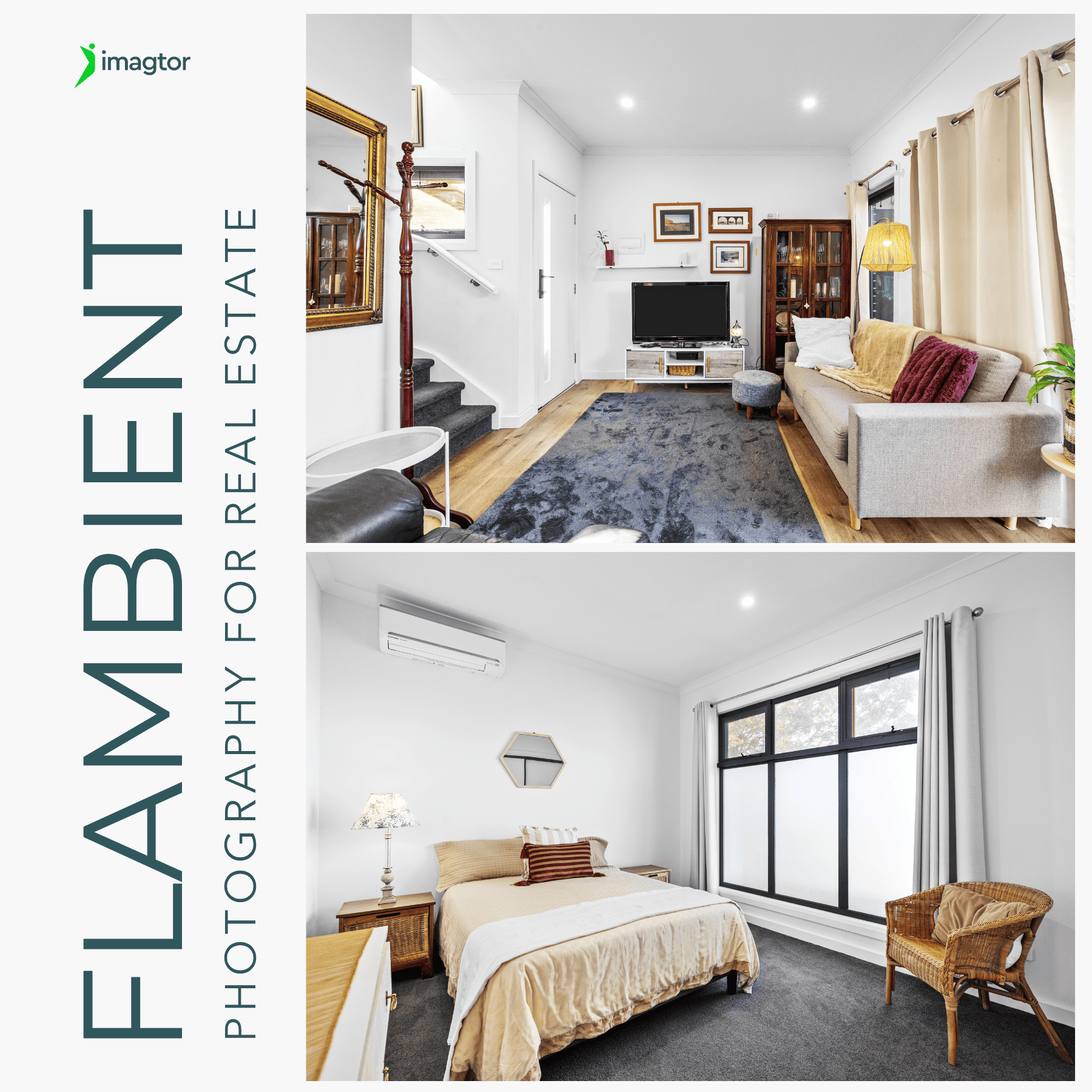
Flambient photography has become the go-to lighting technique for serious real estate photographers in 2026. It combines the natural light range of HDR with the color accuracy of flash, producing interior images that look clean, warm, and genuinely believable without the over-processed look that heavy HDR editing creates. This guide covers what flambient photography actually …

Interior real estate photo editing is where most of the work happens after a shoot. Getting exposure, color, and detail right across a full gallery is what separates listings that actually get clicks from ones that get skipped past. This guide covers the core techniques professionals use, in the order they actually matter, so every …