

Fast delivery is something every real estate photographer needs. A good HDR editing workflow helps you spend less time at the computer, stay consistent, and get finished galleries to clients sooner without cutting corners.
Why speed matters in HDR editing
Agents want listing photos fast so properties can go to market without delay. The sooner photos are delivered, the sooner the listing goes live.
But editing faster does not mean rushing. Skipping steps or missing small mistakes usually leads to revision requests, which cost more time in the end. The goal is an HDR editing workflow that is both quick and reliable.
>> Read more: HDR and Flash together – Getting the best of both worlds
Start with better bracketed exposures
The fastest HDR editing starts before you even open your editing software.
Well-planned bracketed exposures make blending easier and reduce the amount of correction needed later. Use a tripod to keep every frame aligned, and keep your exposure spacing consistent across the whole shoot.
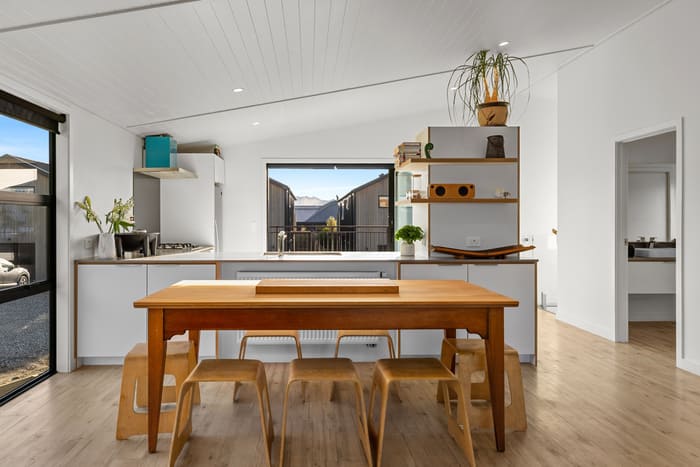
Think about each scene before you shoot it. A room with large windows may need more exposure brackets than a smaller bedroom with balanced lighting. Shooting unnecessary frames only adds to the pile of files you need to sort and edit.
Getting the capture right from the start saves real time later.
Organize your files before editing
File organization makes a bigger difference than most photographers expect, especially when you are editing dozens of images from multiple properties.
Set up a folder structure that works for every project and stick with it. Keep RAW files, edited images, and delivered galleries in separate folders so you always know where everything is.
Consistent file naming also helps when a client asks for a specific photo weeks after delivery.
A few minutes spent organizing saves a lot of searching and confusion later in your HDR editing workflow.
Build a consistent HDR editing workflow
Following the same editing process for every property is one of the biggest time savers you can build into your workflow.
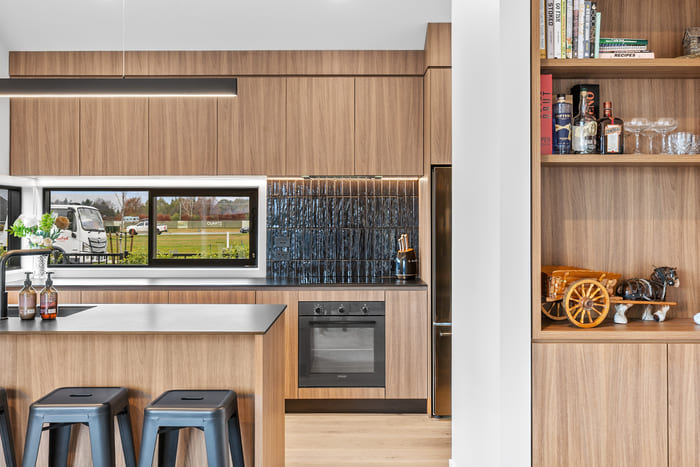
Instead of jumping between adjustments, work through your images in the same order every time:
- Merge bracketed exposures
- Correct perspective
- Adjust white balance
- Fine-tune exposure
- Clean up distractions
- Export
Working in a fixed sequence means fewer decisions each time you sit down to edit. It also keeps the look consistent across the whole gallery. The more routine your process becomes, the faster you will move through each property without losing quality.
Use batch editing where it makes sense
Not every adjustment needs to be made one image at a time.
Edits like lens corrections, white balance, and export settings can often be applied across similar images in one go. This removes a lot of repetitive work, especially when several rooms share the same lighting conditions.
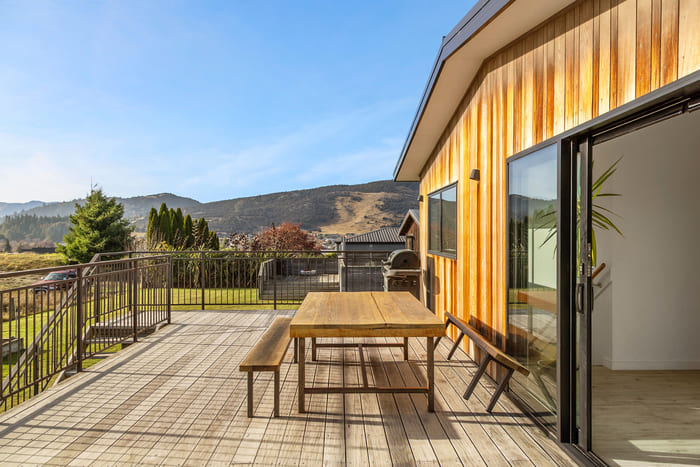
That said, some edits still need individual attention. Window pulls, object removal, and tricky lighting situations all require a closer look to keep the final images looking natural.
Knowing what to batch and what to handle manually is one of the easiest ways to speed up your HDR editing without cutting corners.
Avoid spending too much time on one image
It is easy to spend ten extra minutes on a single image that already looks good. While attention to detail matters, most clients want clean, natural, and consistent photos delivered on time, not pixel-perfect results that arrive late.
If you are making tiny adjustments that are barely visible at normal viewing size, it is usually time to move on.
Faster HDR editing comes from making confident decisions, not from second-guessing every image.
Don’t skip quality control
Working quickly should never mean skipping the final review.
Before you export, scroll through the full gallery as if you were the client. Check for:
- Inconsistent brightness across rooms
- Crooked vertical lines
- Unrealistic window views
- Objects that were accidentally left in the frame
- Missing rooms or key angles
A quick review before delivery prevents revision requests that take far longer to fix after the fact.
When outsourcing HDR editing makes sense
Editing often becomes the biggest bottleneck as your photography business grows.
If you are shooting several properties a week, hours of post-production can limit how many jobs you can take on. Outsourcing HDR editing frees up your schedule, especially during busy seasons or when clients expect next-day turnaround.
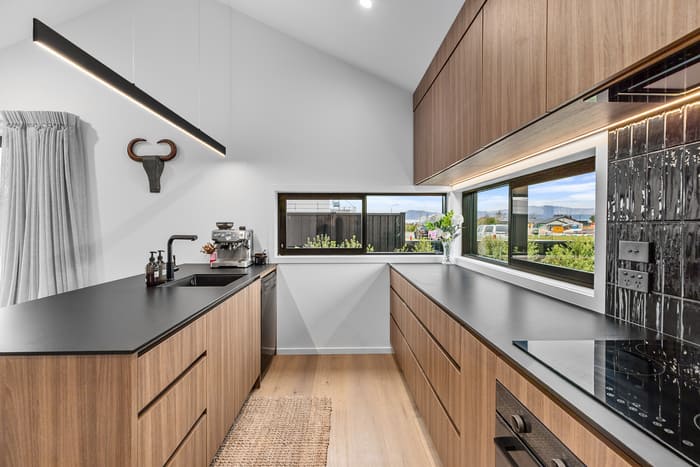
The key is finding an editing partner that understands real estate photography and can match your style consistently. Many photographers work with Imagtor to handle HDR editing while they focus on shooting, client work, and growing their business.
Outsourcing does not replace your creative process. It gives you more time to focus on the parts of the job that need you most.
Building a faster workflow without sacrificing quality
A quicker turnaround does not come from editing faster in one step. It comes from improving every part of the process.
Clean bracketed exposures, organized files, a consistent editing sequence, smart batch editing, and a solid quality check all work together to cut editing time without cutting quality.
Whether you handle every edit yourself or work with a trusted editing partner, a well-built HDR editing workflow helps you deliver consistent galleries, keep clients happy, and spend more time behind the camera.
A faster workflow starts with the right editing partner. Imagtor helps real estate photographers deliver high-quality HDR images with professional editing and reliable turnaround.
Start today with a FREE TRIAL and get a 10% BULK DISCOUNT on your first order.
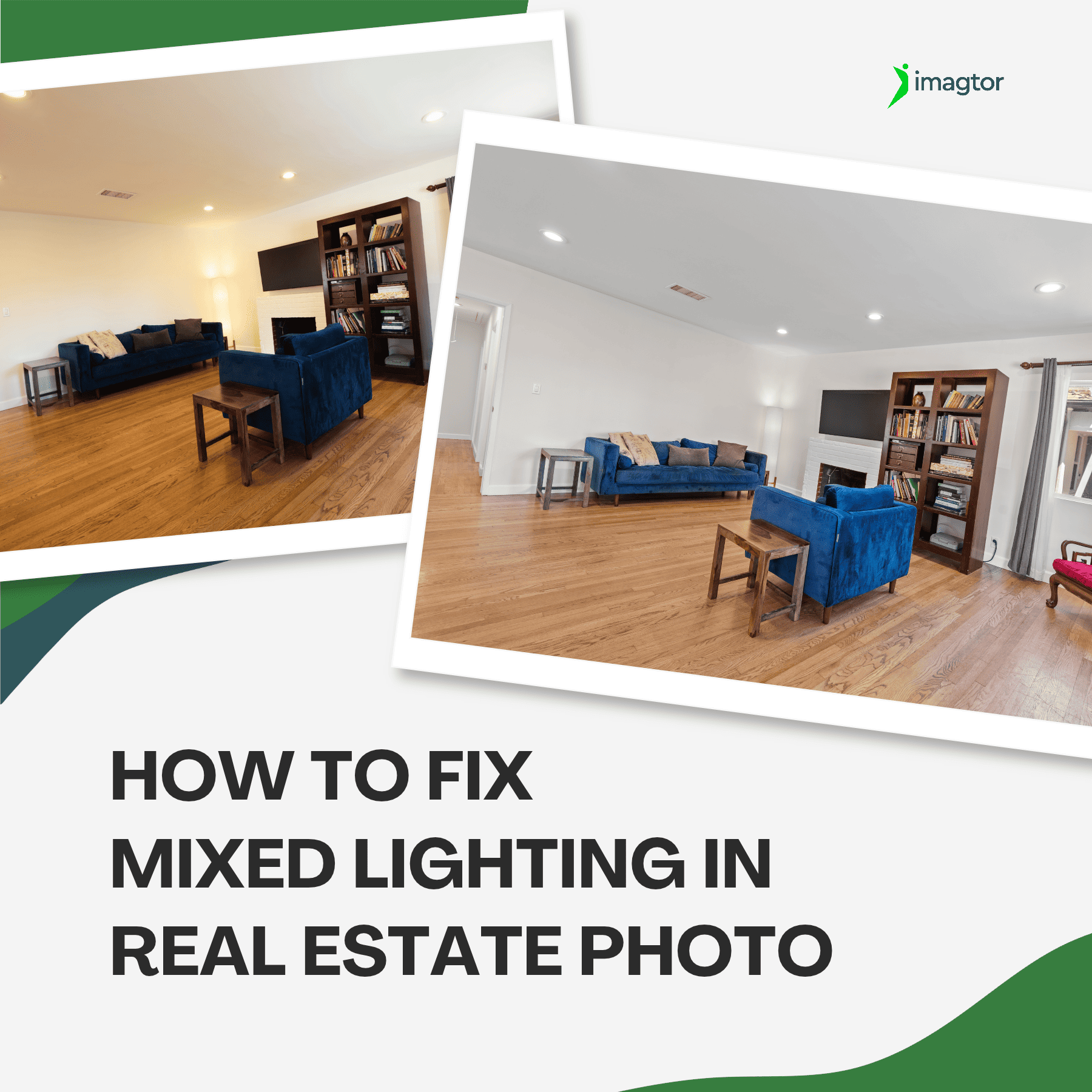
Color casts are one of the most frustrating problems in real estate interior photography. When daylight mixes with tungsten bulbs or LED strips in the same room, cameras try to average all those competing sources and the result is usually off. Walls look yellow, window views run too blue, and the gallery feels inconsistent. Knowing …

Real estate photo disclosure is no longer something photographers can ignore. California’s AB 723 took effect January 1, 2026, making it the first law in the US requiring agents and photographers to disclose when listing images have been digitally altered. More states are moving in the same direction, and the rules are changing how edited …