
How to avoid color casts when shooting properties with mixed lighting

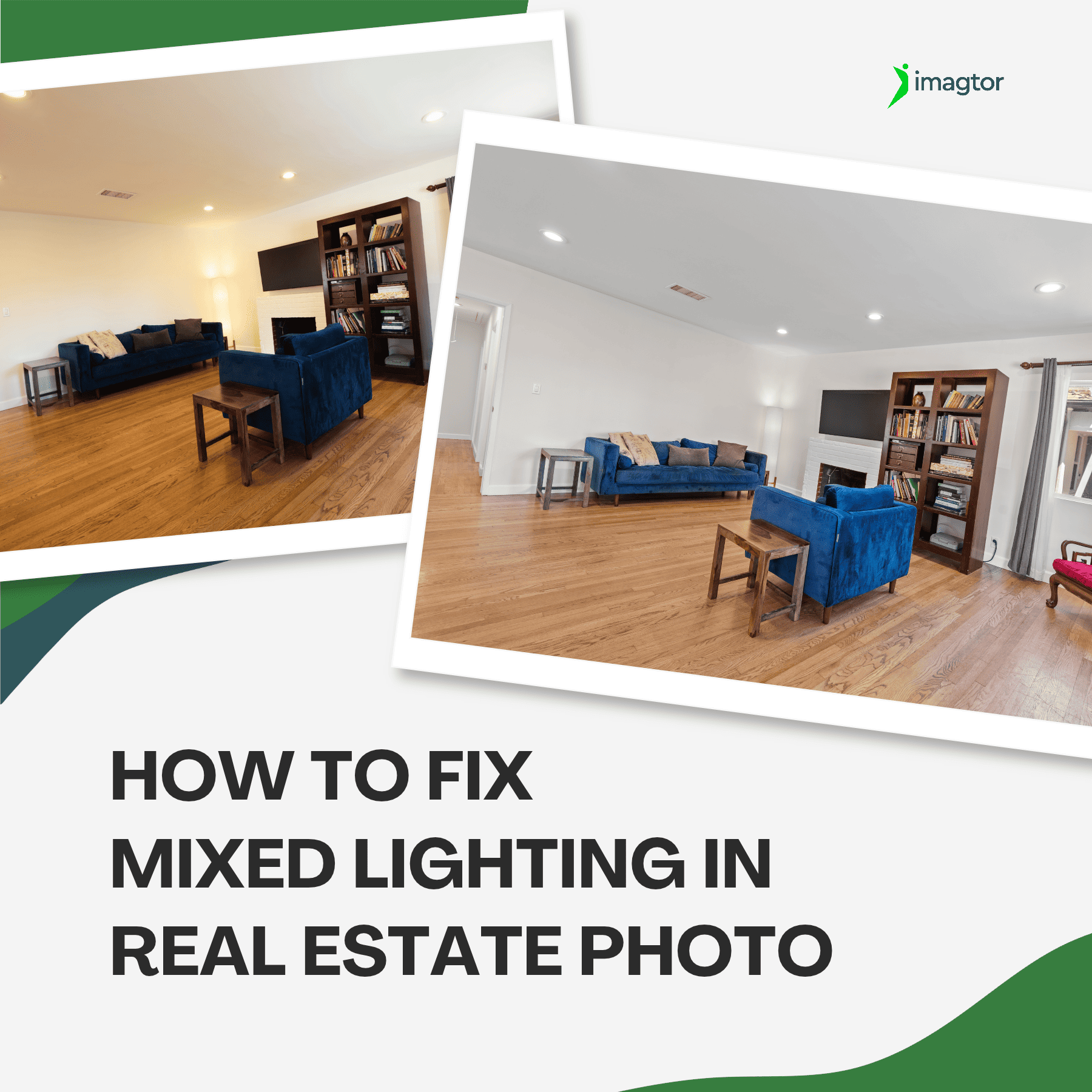
Color casts are one of the most frustrating problems in real estate interior photography. When daylight mixes with tungsten bulbs or LED strips in the same room, cameras try to average all those competing sources and the result is usually off. Walls look yellow, window views run too blue, and the gallery feels inconsistent.
Knowing how to prevent and fix color casts in mixed lighting starts at the shoot, not in editing. Getting it right at the source saves time in post and produces cleaner results for your clients.
Why mixed lighting causes color casts
Every light source runs at a different color temperature, measured in Kelvin.
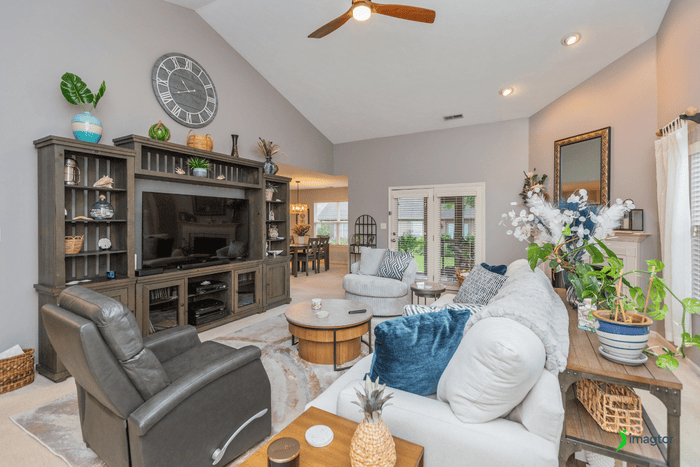
Incandescent and tungsten bulbs sit at 2700 – 3000K. LED lights fall in the 3000 – 4000K range. Natural daylight through windows lands around 5000 – 5500K. When multiple sources compete in the same frame, cameras pick a compromise that satisfies none of them.
One side of the room reads warm and yellow, the other reads cool and blue. Color casts from mixed lighting are one of the most common revision requests photographers face.
The most common mixed lighting situations
Recognizing the problem before you start shooting saves a lot of time.
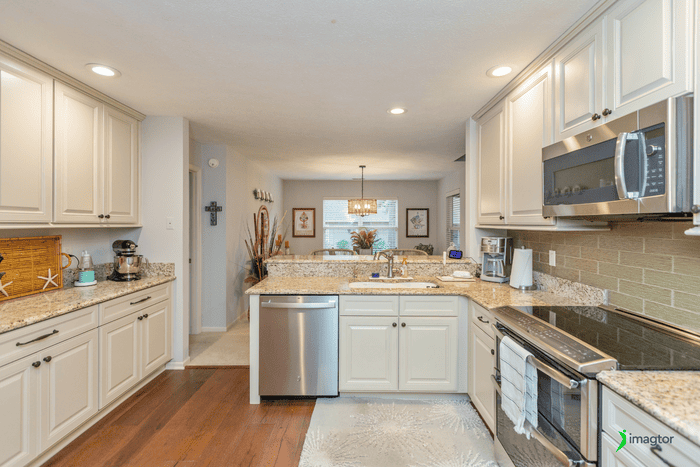
Living rooms with floor-to-ceiling windows and warm ceiling lights are the most frequent offender. Kitchens with under-cabinet LED strips and natural daylight coming in from a side window create a green-cool cast on countertops. Bedrooms with warm bedside lamps and bright window light split the room into two temperatures. Bathrooms with fluorescent overhead lighting often produce a green cast that is harder to fix cleanly in post.
Fix color casts at the shoot, not just in editing
This is the step most photographers skip, and it costs them time later.
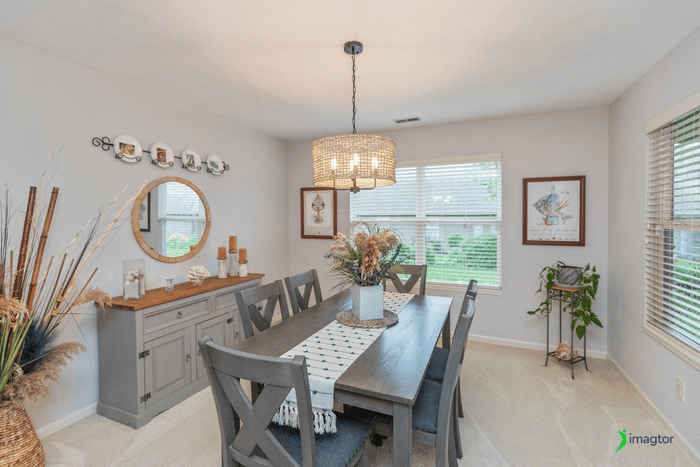
Where possible, turn off lights that conflict with your dominant source. If the agent allows it, swap mixed bulbs for consistent ones before you start.
Set a custom white balance using a gray card in the main shooting area. Avoid Auto White Balance in mixed lighting rooms. It adjusts frame by frame, which causes color to shift across brackets and creates problems during HDR blending.
Match white balance to the dominant light source and plan to handle secondary sources in editing. Shoot RAW so you can adjust white balance non-destructively after the fact. For HDR brackets, keep white balance consistent across all exposures so color casts stay predictable during blending.
>> See the full guide: Lighting Equipment Experts Use for Indoor Property Photography
How flash reduces color casts in mixed lighting
Flash introduces a neutral, consistent light that competes with and partially overrides the warm or cool bias of existing sources.
One well-placed flash frame can anchor white balance across the entire blend and significantly cut down on color cast correction in post. This works especially well in kitchens, bathrooms, and rooms with strong tungsten or fluorescent influence. For photographers already using a flambient workflow, the flash frame handles most of this work automatically.
How to correct color casts in editing
Start with Temperature and Tint adjustments to neutralize the dominant cast across the full image first.
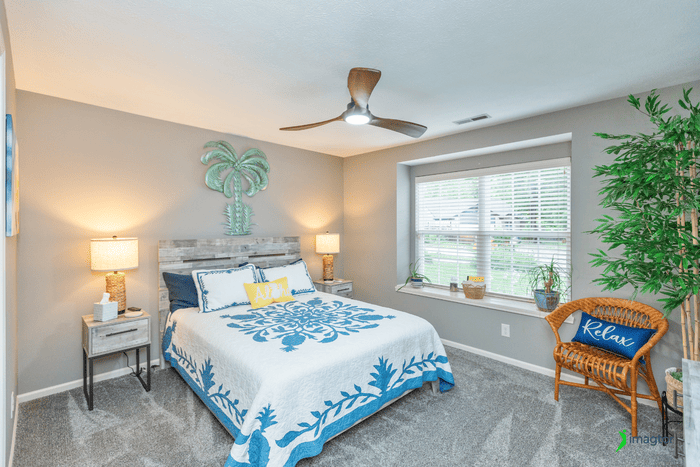
Then use local adjustments, graduated filters or adjustment brushes, to fix secondary light sources without touching areas that already look right. In HDR blending, apply different white balance values per bracket when window exposures and interior exposures carry conflicting temperatures.
Watch for these warning signs before you deliver:
- Walls that should look white appearing cream or yellow
- Countertops with a green tinge under kitchen or bathroom lighting
- Window views running unnaturally blue
- Color temperature shifting noticeably from room to room across the gallery
Rooms where color casts are hardest to control
| Room | Common problem |
|---|---|
| Kitchen | LED strips plus daylight creates a green-cool cast on surfaces |
| Living room | Warm lamps vs window daylight splits the room into two temperatures |
| Bathroom | Fluorescent overhead creates a green cast, tricky to correct without looking flat |
| Home office | Screen glow, overhead lights, and window light all compete at once |
What to check before you deliver
Look at walls and ceilings that should be white. If they look cream or blue, something still needs correcting.
Compare similar rooms side by side and check that color temperature stays consistent across the gallery. Check window views separately. They should look like a natural outdoor scene, not blown-out white or oversaturated blue.
If possible, view final images on more than one screen before delivering. Monitors render color differently, and what looks right on your editing setup may look off on an agent’s laptop.
How a professional editing partner handles color casts
Getting color casts right consistently across a full gallery takes time. Every room has different lighting and different correction needs.
Working with an experienced editing team means consistent white balance and color tone across every image, not just the obvious problem rooms. Color correction sits alongside HDR blending, perspective correction, and window pull editing as part of a standard workflow.
At Imagtor, we handle color correction on every real estate photo editing job. Clean, consistent color across the gallery is something clients notice, and something we check before every delivery.
Frequently asked questions about color casts in real estate photography
What is the best white balance setting for real estate interior photography?
There is no single correct setting. Match white balance to the dominant light source in the room, then correct secondary sources with local adjustments in editing. Shooting RAW gives you the most flexibility.
How do you fix a yellow color cast in real estate photos?
Pull the Temperature slider toward cooler in Lightroom and adjust Tint toward green slightly if needed. For rooms where only part of the image runs warm, use a targeted brush rather than a global correction.
Should you turn off interior lights when shooting near windows?
It depends. Turning off warm interior lights reduces mixed lighting color casts significantly, but can make rooms feel cold. Many photographers turn lights off for window-dominant shots and back on for interior-dominant compositions.
Does shooting in RAW fix color casts in mixed lighting?
RAW does not fix color casts at capture, but gives you full control over white balance in post without quality loss. Combined with local adjustments, it makes color casts significantly easier to correct than working from a locked JPG.
Consistent color starts at the shoot
Color casts in mixed lighting rarely come from one mistake. They build up across the shoot: Auto White Balance drifting between rooms, competing sources pulling in different directions, brackets with inconsistent settings making blending harder.
Better habits during the shoot fix most of it. Editing handles what the shoot cannot. And a final gallery check catches what editing misses.
Spend less time correcting and more time shooting. Imagtor helps real estate photographers deliver clean, color-accurate images with professional photo editing and fast turnaround on every job.
Start today with a FREE TRIAL and get a 10% BULK DISCOUNT on your first order.
Real estate photo disclosure is no longer something photographers can ignore. California’s AB 723 took effect January 1, 2026, making it the first law in the US requiring agents and photographers to disclose when listing images have been digitally altered. More states are moving in the same direction, and the rules are changing how edited …

Real estate photo editing pricing varies more than most photographers expect. Knowing what different services actually cost in 2026, and what drives those costs up or down, helps you make smarter decisions about your editing workflow and whether outsourcing makes financial sense. This guide breaks down current pricing by service type, explains what you actually …