
How to Fix Common HDR Problems in Real Estate Photography

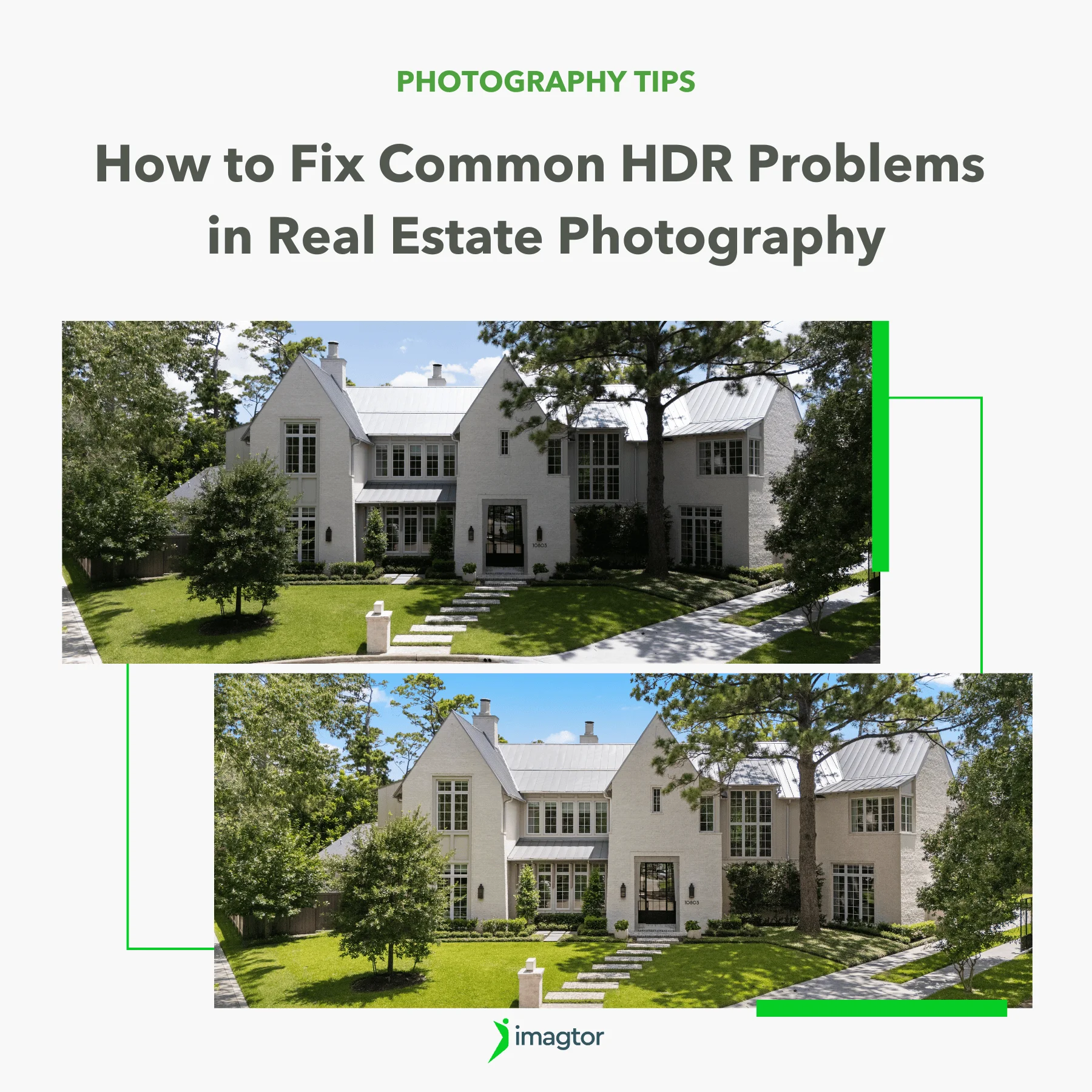
HDR problems in real estate photography can lead to unnatural colors, ghosting, poor window exposure, and inconsistent lighting. Knowing how to fix these issues helps photographers create cleaner and more professional property images.
HDR Ghosting in Real Estate Photography
One of the most common HDR problems is ghosting. This happens when something moves between bracketed exposures and creates blurry or duplicated areas after HDR blending.
Ghosting usually appears around:
- Trees outside windows
- Curtains moving from airflow
- Ceiling fans
- People walking through a room
In real estate photography, ghosting can make images look messy and unprofessional. Even small movements can create noticeable artifacts once exposures are merged.
Fixing ghosting starts during the shoot. Using a stable tripod and reducing movement in the scene helps significantly. Faster exposure bracketing can also reduce the chance of movement between frames.
During editing, manual masking is often necessary to clean up difficult areas. Fully automated HDR software does not always handle motion correctly, especially around windows and fine edges.
>> Read more: HDR and Flash together: Getting the best of both worlds
Overprocessed HDR Images
Another major source of HDR problems is over processing. Many HDR real estate photos look unnatural because photographers push clarity, contrast, or saturation too far.
Common signs include:
- Unrealistic colors
- Harsh shadows
- Excessive sharpness
- Dark halos around windows
- Artificial-looking textures
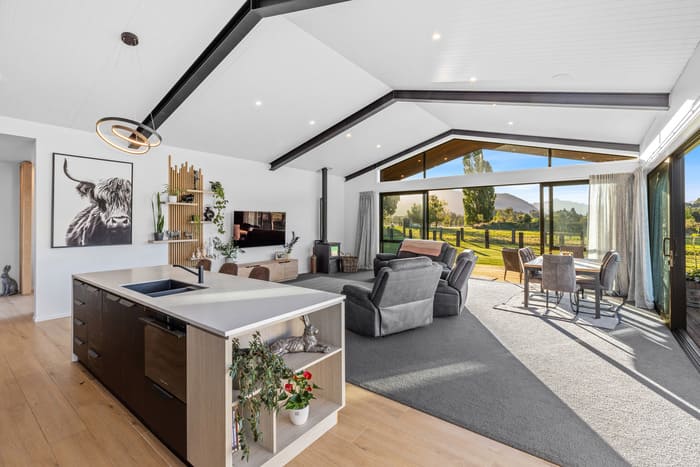
Real estate photography should still look natural, even after HDR blending. Buyers want to see a clean and realistic version of the property, not an over-edited image.
A better approach is keeping adjustments subtle. Controlled contrast and balanced brightness usually create stronger results than aggressive HDR effects.
Professional editors often spend more time reducing the “HDR look” instead of increasing it.
Poor Window Detail and Brightness Issues
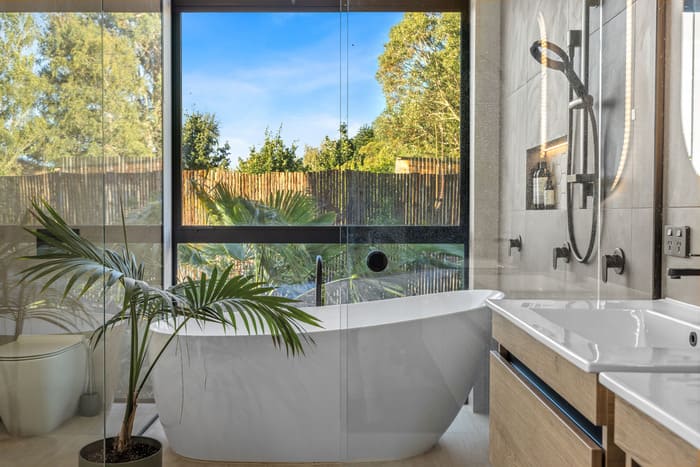
Window exposure remains one of the biggest challenges in real estate HDR photography.
Without proper bracketing, photographers often end up with:
- Completely blown-out windows
- Gray and lifeless exterior views
- Unrealistically bright outdoor scenes
Balancing interior exposure with exterior visibility requires careful shooting and editing. Many photographers solve this with window pull editing, where a darker exposure is blended manually into the brighter room exposure.
Good bracketing technique also matters. If the exposure range is too narrow, important highlight details may still disappear.
This is one reason why many photographers use professional HDR photo editing workflows instead of relying entirely on automated software.
Color Inconsistency in HDR Real Estate Photos
Mixed lighting creates another major category of HDR problems.
A single room may contain:
- Daylight from windows
- Warm tungsten bulbs
- LED lighting with different color temperatures
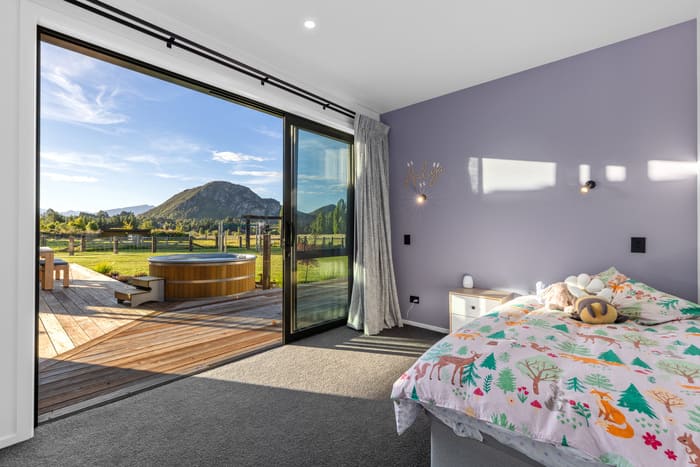
When exposures are blended together, colors can become inconsistent very quickly. Walls may appear green, yellow, or overly blue depending on the lighting mix.
This issue becomes especially noticeable in kitchens and living rooms where multiple light sources are present.
Correcting color inconsistency often requires manual white balance adjustment and selective color correction during editing. Automatic HDR blending tools usually struggle with mixed indoor lighting.
Maintaining consistent color across all rooms is important because inconsistent tones make property galleries feel less professional.
Crooked Vertical Lines After HDR Blending
Perspective distortion is another frequent issue in HDR real estate photos.
Wide-angle lenses help photographers capture more space, but they also create vertical line distortion if the camera is tilted incorrectly.
This leads to:
- Leaning walls
- Slanted doors
- Distorted room shapes
Even good HDR blending cannot fix poor camera positioning automatically.
The best solution starts during shooting. Keeping the camera level and using proper tripod height reduces distortion significantly.
Perspective correction during editing then helps fine-tune the image for a cleaner architectural appearance.
Straight vertical lines remain one of the easiest ways to make property photos look more professional immediately.
Noise and Muddy Shadows in HDR Photos
Noise problems often appear when photographers try to recover too much detail from dark exposures.
Common causes include:
- High ISO settings
- Underexposed brackets
- Excessive shadow recovery
- Poor-quality HDR blending
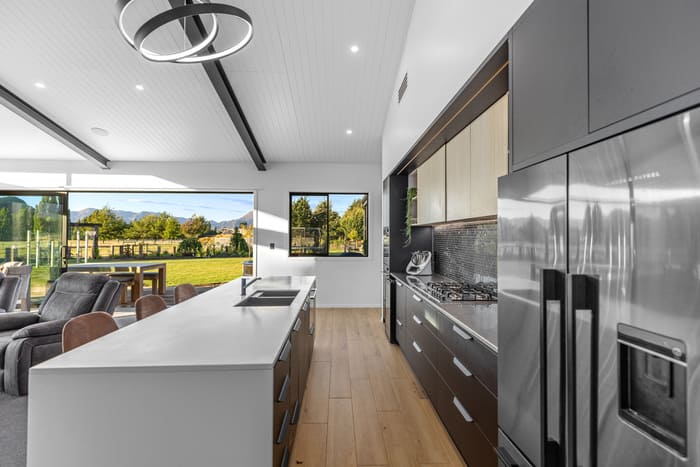
This creates muddy shadows and grainy textures, especially in darker corners of interiors.
Lower ISO settings usually produce cleaner HDR files. It is also important to expose bracketed images correctly instead of relying heavily on shadow recovery during editing.
Natural-looking shadows are important in real estate photography. Over-brightening dark areas often makes rooms look flat and unrealistic.
Professional editing workflows usually balance shadows carefully instead of trying to brighten every dark area completely.
Workflow Mistakes That Cause HDR Problems
Many HDR problems actually begin before editing starts.
Rushed shooting workflows often create inconsistent brackets and missing exposures. Poor file organization can also slow down editing and increase mistakes later in production.
Some common workflow issues include:
- Inconsistent exposure spacing
- Shooting handheld instead of using a tripod
- Missing bracketed exposures
- Incorrect white balance settings
- Poor file labeling and organization
A reliable shooting process helps reduce editing corrections later. Consistency during capture is one of the biggest factors in producing clean HDR real estate photos.
Solving HDR Problems with a Professional Editing Workflow
Many photographers eventually realize that fixing HDR problems consistently requires more than automated software. Professional workflows combine careful shooting with manual editing adjustments and quality control.
This includes:
- Natural HDR blending
- Clean window pull editing
- Accurate perspective correction
- Controlled color balancing
- Noise reduction without detail loss
For photographers handling multiple listings every week, maintaining this level of consistency can become time-consuming.
That is why many professionals outsource editing to specialized real estate editing teams. A structured editing workflow helps maintain image quality while reducing production pressure and turnaround delays.
With the right editing support, photographers can spend less time correcting technical HDR issues and more time focusing on shooting and client work.
>> Read more: HDR editing workflow tips for quicker turnaround
Creating Cleaner HDR Real Estate Photos in 2026
As real estate photography continues to evolve, clients expect cleaner and more natural-looking HDR images. Strong HDR photography is no longer about dramatic effects or exaggerated processing. Instead, photographers are expected to deliver balanced lighting, accurate colors, and realistic presentation consistently.
Avoiding common HDR problems starts with better shooting habits, reliable bracketing, and a structured editing workflow. When these elements work together, HDR real estate photos look more polished, professional, and market-ready.
Clean HDR images require more than automatic blending tools. Imagtor helps real estate photographers maintain natural HDR editing, fast turnaround, and consistent image quality.
Start today with a FREE TRIAL and 10% DISCOUNT.
Professional photo editing software is basically the backbone of every photographer’s post-production work. Knowing what tools others are actually using, and why they stick with them, helps you make better decisions for your own setup without going through the trial-and-error yourself. Why your choice of photo editing software matters It is not just about features. …
Real estate video editing for Reels and Shorts follows different rules from a standard listing walkthrough. Pacing, format, and visual clarity all need to match how people actually watch on mobile. This guide covers what makes short-form property videos work on Instagram, YouTube, Tiktok and Facebook. Why Reels and Shorts work differently from listing videos …