
How to create a faster real estate photography workflow


Slow photography workflow does not always come from editing. Time gets lost before the shoot, during file organization, and at delivery too. Fixing each of those stages is what actually moves the needle.
Where your photography workflow is losing time
Before fixing your photography workflow, find out where the time is actually going.
Most photographers lose time in the same places:
- Searching for gear or a dead battery right before leaving
- Standing in a room deciding what to shoot
- Driving back to re-shoot a missed room
- Digging through folders to find the right files
- Tweaking one image for 15 minutes when it already looks fine
- Manually repeating the same delivery steps every time
You do not need to change everything. Fixing two or three of these usually cuts an hour or more off each job.
Prepare before you arrive
The fastest real estate photography workflow starts at home, not on site.
Check the listing details the night before. Note the room count, any features the agent wants highlighted, and whether you need drone, video, or flash. Knowing a property has a pool or large outdoor area before you arrive means you show up with a plan instead of making one up as you go.
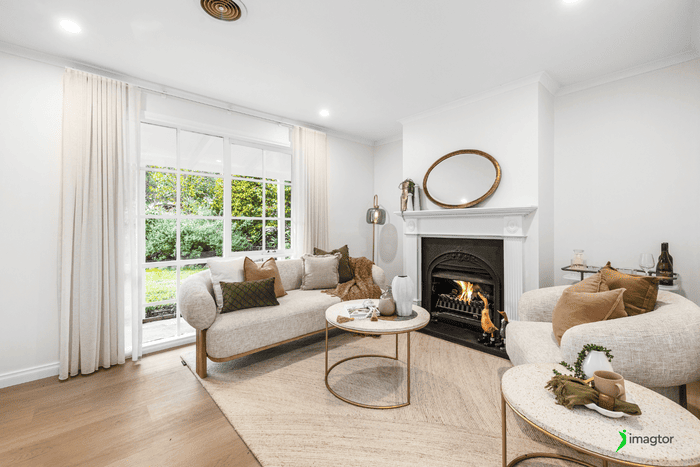
Pack your bag before the day starts:
- Charged batteries and formatted memory cards
- Tripod, lenses, flash
- Drone or video gear if the job needs it
- Basic shot list based on the property
Showing up prepared means fewer delays and fewer missed shots.
Build your shoot around a simple shot list
Shot lists solve two real problems: wasted time deciding what to shoot, and the cost of going back for a missed room.
This order works for most properties:
Exterior → entry → main living areas → kitchen → bedrooms → bathrooms → additional spaces → exterior details
Adjust based on the property. One-bedroom apartments run differently from five-bedroom houses. The point is to have starting structure so you move through each shoot without stopping to think about what comes next.
Missing a bathroom and realizing it back at the desk means another trip out. Thirty seconds checking your shots before you leave prevents that.
Create a repeatable shooting routine
This is one of the biggest time-savers in any busy photography workflow.
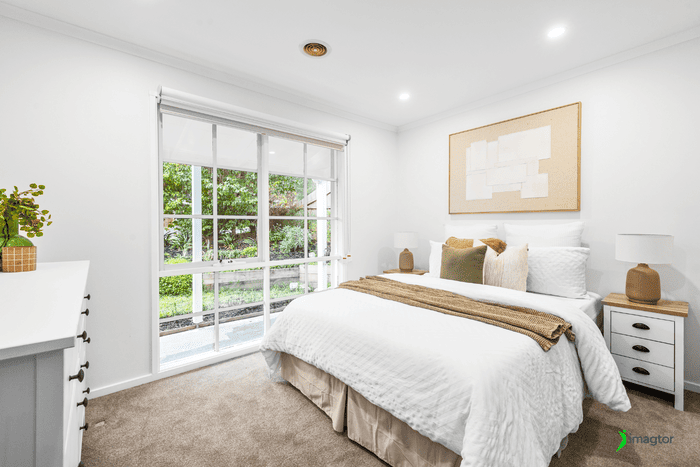
When you shoot consistently, you stop making small decisions from scratch on every job. For example, you might keep the camera at chest height for most interior shots, use three-bracket HDR as your default, and set up flash the same way in similar rooms.
That does not mean every property looks the same. Luxury homes need more detail shots. Dark rooms need more flash. Tight bathrooms need different angles. You still adapt, but your baseline is already set so adapting takes 30 seconds instead of five minutes.
Fewer decisions per room adds up fast across a full shoot day.
Capture images that are easier to edit
Better captures cut editing time directly. This is the easiest place to save an hour without changing your software.
Before moving to the next room, spend 20 seconds on a quick check:
- Are vertical lines straight?
- Do the windows look manageable?
- Is the furniture cleanly framed?
- Did you shoot the right number of brackets?
Fixing a problem on site takes one extra shot. Finding it during editing means corrective work on a file that is already processed. On tight delivery deadlines, that difference matters a lot.
Organize your files before the photography workflow stalls
File organization matters more when you are shooting three properties in one day and editing them that evening.
Set up a folder structure and use it on every job. Keep RAW files, edited images, and final delivery files clearly separated. Name folders by property address or job number so you know what is in each one without opening it.
Good photo organization also makes revisions easier. When a client asks to swap one image two weeks later, you find the original in under a minute instead of 20.
Make your photo editing workflow more efficient
Editing is where most photographers lose the most time, and working in the same sequence every time fixes most of that.
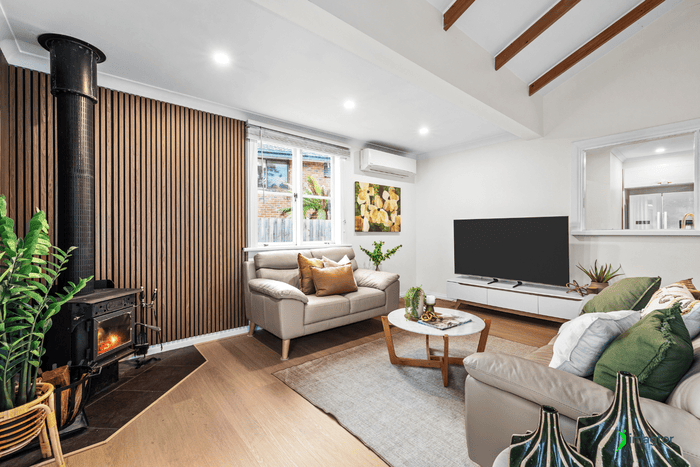
Work through every property in the same order:
- Merge bracketed exposures
- Correct exposure and white balance
- Fix perspective and verticals
- Color and contrast
- Cleanup and object removal
- Export
Use batch processing for repetitive corrections. White balance, lens corrections, and basic exposure can often be applied across similar images at once. Save manual time for window pulls, object removal, and rooms with tricky lighting.
Do not try to perfect one image while 30 others wait. Consistent galleries beat one standout photo surrounded by uneven edits.
>> Read more: Outsourcing Edits vs In-House Editing for Real Estate Photography
Know when to outsource your editing workflow
Editing becomes the ceiling when your shoot volume grows faster than your hours.
If you are shooting four or five properties a week and finishing galleries at midnight, the issue is not your speed. It is that editing cannot scale the same way shooting can. Outsourcing makes sense when:
- Clients expect next-day delivery and you are regularly missing it
- Editing takes longer than the shoot itself
- You are turning down new work because your edit queue is full
- You want to spend evenings on business growth instead of Lightroom
Working with an editing partner like Imagtor takes the post-production load off your plate while keeping turnaround consistent. You keep full control of the final product. You just stop spending your time getting it there.
>> Read more: Outsourced Editing Workflow Tips for Real Estate Photography
Keep your photo delivery process consistent
Delivery is the last stage and the easiest one to tighten up.
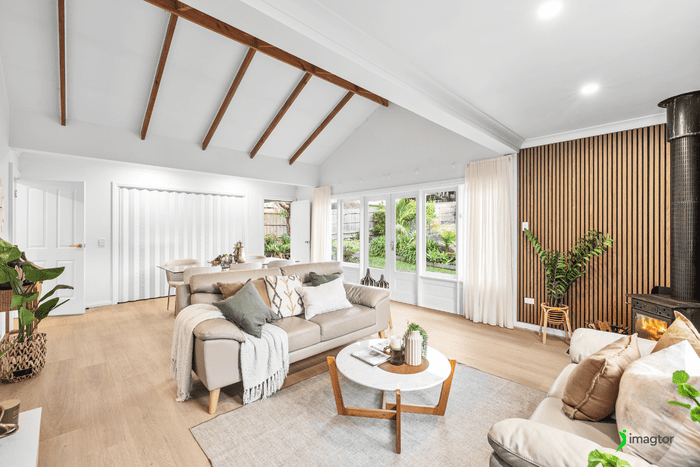
Use consistent export settings on every job. Keep final delivery files in clearly labeled folders, separate from your working files. Before sending anything, run through a quick check:
- All required rooms included
- Images in the right order
- No obvious editing mistakes
- File sizes and formats correct
This two-minute check regularly catches small errors that would otherwise become revision requests.
Review your photography workflow regularly
Workflows built for five properties a week start cracking at fifteen.
Every few months, look at where your time is actually going and ask:
- What step takes the longest?
- What do I do manually every day that could be batched or automated?
- What keeps causing revision requests?
- What could be handed off?
One change to the right bottleneck can free up several hours a week. The workflow that gets you to ten properties should not be the same one you use at twenty.
A faster workflow gives you more room to grow
Speeding up your photography workflow is not about rushing. It is about cutting time spent on things that do not need your attention so you can give more to the things that do.
Prepare before the shoot. Follow a shot list. Capture clean images. Keep files organized. Edit in a consistent sequence. Make delivery repeatable. When editing becomes the ceiling, hand it off.
The result is not just faster turnaround. It is more shoots, better client relationships, and a business that can actually grow.
Spend less time editing and more time shooting. Imagtor provides professional real estate photo editing with fast turnaround and consistent quality.
Start today with a FREE TRIAL and get a 10% BULK DISCOUNT on your first order.
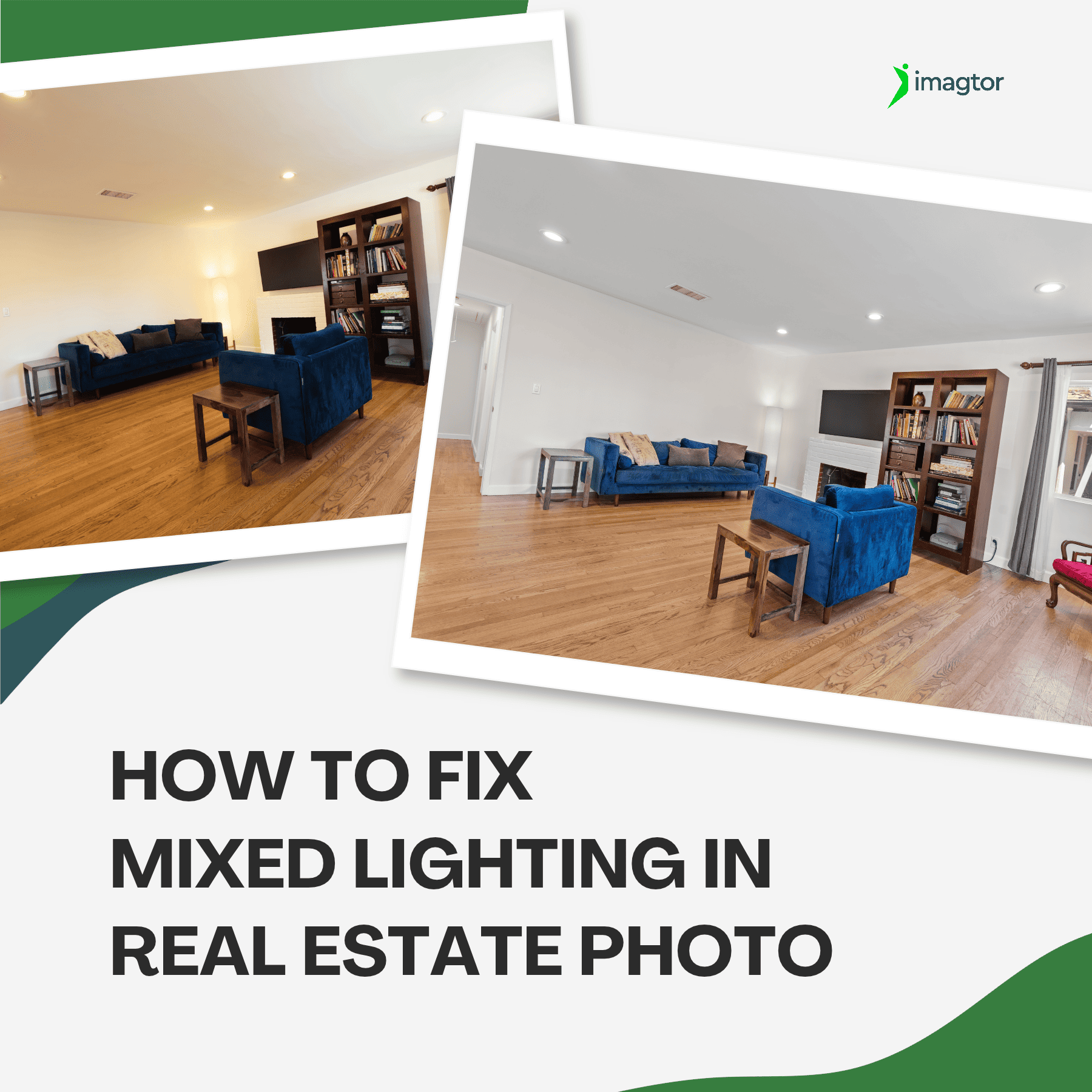
Color casts are one of the most frustrating problems in real estate interior photography. When daylight mixes with tungsten bulbs or LED strips in the same room, cameras try to average all those competing sources and the result is usually off. Walls look yellow, window views run too blue, and the gallery feels inconsistent. Knowing …

Real estate photo disclosure is no longer something photographers can ignore. California’s AB 723 took effect January 1, 2026, making it the first law in the US requiring agents and photographers to disclose when listing images have been digitally altered. More states are moving in the same direction, and the rules are changing how edited …